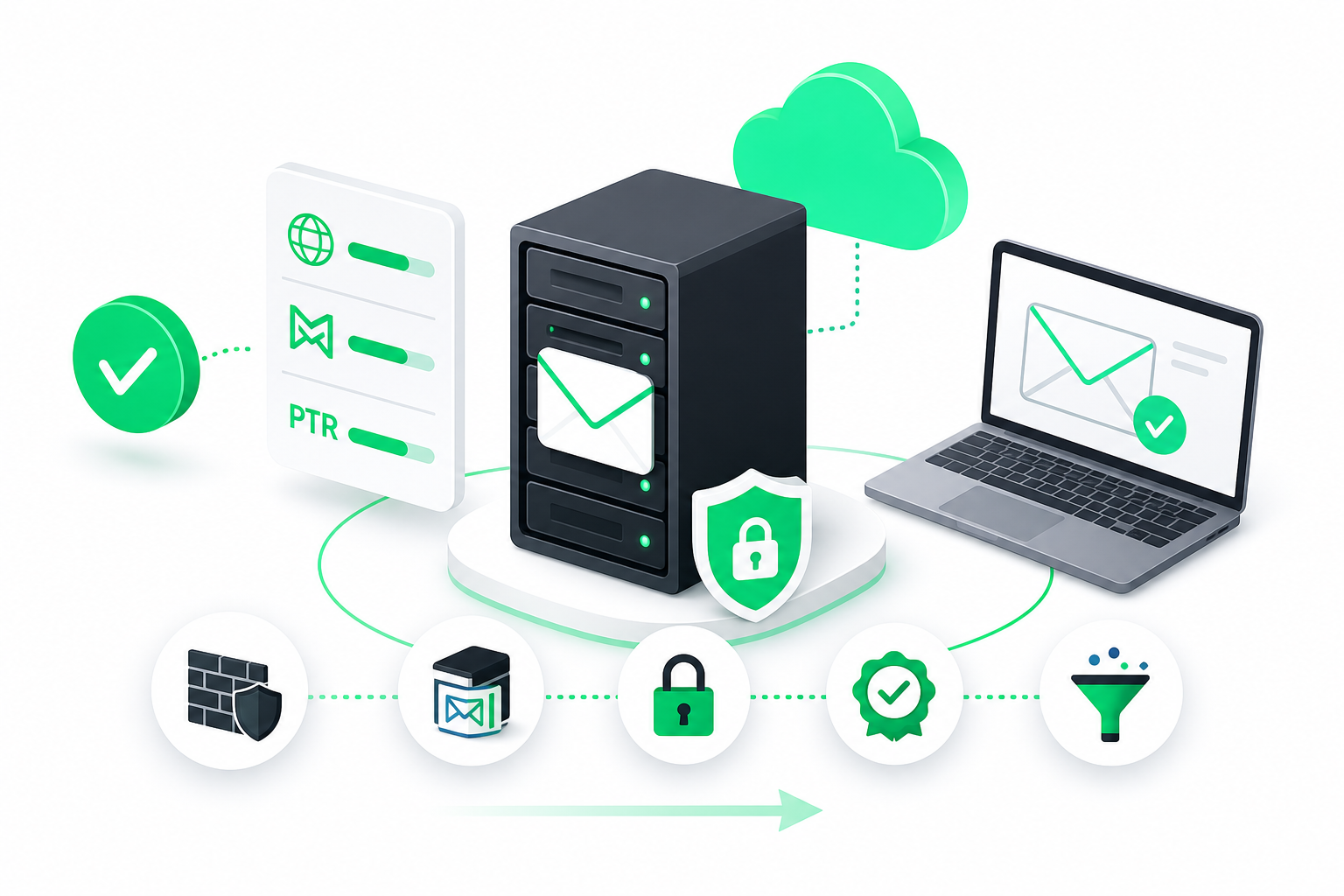
To pick the right dedicated server plan for Linux, first audit your current bottlenecks, then choose cores or clock speed based on concurrency, size RAM for peak load, pick a distro your team can maintain (Ubuntu, Debian or a RHEL-based option), decide between managed and unmanaged, and secure SSH and the firewall before going live.
Choosing a Linux dedicated server is not one big decision. It is a short chain of smaller ones, and each depends on the one before it. Get the workload right first, and the rest gets easier.
Linux is the safe default here. According to WebSouls, citing W3Techs data from May 2026, Linux powers 61.1% of websites with an identifiable operating system. You are not picking an exotic platform.
Hardware costs are also moving, so sizing mistakes cost more than they used to. Here are the steps, in the order you do them.
Step 1: Audit Your Current Workload Before Buying a Dedicated Server
Before you shop, find out whether you have outgrown your current server and what exactly is holding it back. A dedicated server only pays off when you know which resource you are short on.
Simple! Measure first, buy second. If you are upgrading from a VPS (Virtual Private Server, a slice of a shared physical machine), compare your current limits against the dedicated specs you are considering.
Run your monitoring tools for at least a week that includes your busiest days. Then check these points:
- CPU: Is usage regularly near the ceiling during peaks, or only in short bursts? Check the load average against your core count.
- Memory: Does the server use swap? Constant swapping means you are short on RAM, not just busy.
- Disk: Look at I/O wait. High wait with idle CPU points to a storage bottleneck, not a processor one.
- Network: Check bandwidth peaks and dropped connections, especially during traffic spikes.
- Noisy neighbors: On a VPS, look for unexplained slowdowns at times when your own traffic is low. That can signal contention with other tenants.
- Growth: Compare this quarter's peaks with last quarter's. Plan for where you will be in a year, not where you are today.
So what does this tell you? If one resource is the bottleneck, a larger VPS plan may fix it for less money. If several resources hit their limits together, or you need steady performance with no neighbors, a dedicated server makes sense.
Write down your peak numbers for CPU, RAM, disk I/O and bandwidth. Those figures are what you size against in the next steps.
Step 2: How Do I Choose Between More Cores and Faster Clock Speeds?
Choose more cores when your workload handles many things at once, and faster clock speed when it leans on a single thread. Concurrency is the deciding factor.
More cores let the server run more tasks in parallel. A faster clock finishes each individual task sooner.
Here is how that plays out in practice:
- Many parallel requests: A busy web server, an application server behind a load balancer, or a database handling many simultaneous queries benefits from more cores. Each request can run on its own core.
- Virtualization and containers: If you plan to run several virtual machines or many containers, cores are your capacity. Each guest needs its own share.
- Single-threaded work: Some game servers, older applications and certain scripts do most of their work on one thread. Extra cores sit idle while one core does everything. Here a higher clock speed helps far more.
- Mixed workloads: Many sites combine both. A web stack with a database often wants a balance, with enough cores for concurrency and a solid per-core speed.
Go back to your Step 1 audit. If CPU is high across all cores during peaks, you are concurrency-bound and more cores will help. If one core is pinned while the rest stay quiet, you are bound by single-thread speed.
Check your software's documentation too. Some applications spread work across cores on their own. Others need setup first (worker counts, thread pools) before extra cores get used. Buying 32 cores for software that uses four is wasted money.
Step 3: Size RAM and Storage for Peak Load, and Why Prices Are Rising in 2026
Size memory for your peak load, not your average. A server that runs fine at noon on a quiet Tuesday can fall over during your biggest traffic spike, and that spike is the moment that costs you.
Take the peak memory figure from your Step 1 audit and add headroom for growth, the operating system and caches. Linux uses spare RAM for disk caching, so extra memory also speeds up reads. Run close to the limit and you have no room to absorb a spike.
Workload type changes the answer a lot. For example, high-population or modded dedicated game servers typically need 16 to 32 GB of RAM or more to avoid performance problems, according to Colobird's Linux game server tutorial. A small brochure site needs a fraction of that.
For storage, think about speed as well as size. NVMe drives (a fast type of solid-state storage) cut load times for databases and busy sites compared with older SATA disks. Leave room for logs, backups and growth, and consider mirrored drives (RAID) if downtime hurts.
Why are dedicated server prices rising in 2026? Memory is the main reason. Analyst firm TrendForce reported DRAM contract price increases of 93% to 98% in the first quarter of 2026, as cited by HowToHosting.guide. RAM is a big part of a server's hardware cost, so providers pass that pressure on.
What does that mean for you? Do not overbuy memory out of habit, and do not underbuy it to save a little now. Size to peak load, and compare current offers instead of trusting old price memories. For a local view of configurations and when a dedicated machine pays off, see this guide on servidor dedicado bare metal no Brasil em 2026: preços, configurações e quando vale a pena.
Step 4: Which Linux Distribution Is Best for a Dedicated Web Server?
The best distribution is the one your team can patch, troubleshoot and update without guessing. Skill beats brand here. A server you understand and maintain beats a "better" one you don't.
Ubuntu is the most common choice. According to SQ Magazine, Ubuntu is the most popular Linux distribution for web servers, used by 15.1% of Linux-based sites. That popularity means plenty of tutorials, ready-made packages and answers when something breaks. If you want a dedicated server Linux Ubuntu setup, most providers offer it as a one-click install.
CentOS is the name many people still search for. The classic point-release version is discontinued, so the usual successors are RHEL-based options such as AlmaLinux and Rocky Linux. If you want a dedicated server Linux CentOS-style experience, with long support cycles and the same command-line habits, start there.
Debian sits between the two. It values stability and a conservative release cycle, which makes it a common base for servers that should change as little as possible.
| Distribution family | Best for | Trade-off |
|---|---|---|
| Ubuntu | Teams that want the largest pool of guides, packages and community answers | Newer packages and faster change can mean more upgrade work |
| Debian | Stable, low-maintenance servers where predictability matters most | Software versions tend to be older, so you may need extra repositories |
| RHEL-based (AlmaLinux, Rocky, CentOS lineage) | Teams used to Red Hat tooling, or running software certified for that family | Smaller community footprint for casual how-to guides than Ubuntu |
So what should you pick? If your team already knows one family, stay in it. If nobody has a preference, Ubuntu is the easiest start. If you come from CentOS, move to AlmaLinux or Rocky Linux and keep your habits.
Check your control panel too. cPanel, DirectAdmin and Plesk each support specific distributions, so confirm your panel works with your choice before you install.
Step 5: What Is the Difference Between Managed and Unmanaged Dedicated Hosting?
Managed hosting means the provider looks after the server software for you. Unmanaged means you get the hardware and an operating system, and everything after that is yours.
On an unmanaged plan, the provider typically covers the physical machine, power, network and hardware replacement. You handle installing software, updates, security, monitoring and backups. It gives you full control and usually costs less.
On a managed plan, the provider also takes on part of the day-to-day work. Depending on the plan, that can include OS updates, security patching, monitoring, backups and help with the control panel. The exact list varies, so read what is included before you sign.
Does a managed plan cover security hardening? Often some of it, but not always all of it. Ask what is covered and who is responsible for what.
Use this rule to decide:
- Choose unmanaged if you have someone in-house who is comfortable with the Linux command line, SSH and firewalls, and who can respond when an alert fires at night.
- Choose managed if you don't have that person, or if your only technical person is also busy running the business. Paying for help is cheaper than a week of downtime.
- Consider a middle path if your team handles the application but not the server layer. Some providers offer partial management or support tickets for the system level.
Be honest about on-call capacity. Servers do not break only during business hours. If nobody can react within a reasonable time, the cheapest plan becomes the expensive one.
You can also start managed and move to unmanaged as your team grows. Going the other way is harder, so match the plan to the team you have today.
Step 6: Shortlist the Best Dedicated Server Linux Providers
Shortlist providers by what your workload needs: location, network, hardware options, panel support and level of help. The best dedicated server Linux provider is the one that fits those needs, not the one with the biggest name.
Start with the market leaders. BuiltWith data shows that Hetzner and OVH together account for 46.1% of dedicated hosting instances among the top 1 million websites, as reported by HowToHosting.guide. Hetzner is well known in Europe, and both appear on many shortlists.
OVHcloud offers a wide range of bare metal servers and VPS options with an automated installation dashboard. Pricing has moved around: the provider raised one dedicated server line by 28% in August 2026 and, per howtohosting.guide, charged a setup fee on its cheapest in-stock server as of September 2026. Check current terms before you order.
Location counts too: a server far from your users adds delay no hardware can fix.
| What to compare | Why it matters |
|---|---|
| Data center location | Distance to your users sets your baseline latency |
| IP allocation | Affects mail, SSL and multi-site setups |
| Storage type | NVMe is noticeably faster than older disks for databases |
| Control panel support | cPanel, DirectAdmin or Plesk may be required by your stack |
| Support hours | Matters most for unmanaged servers when something breaks |
If you serve users in Brazil or the USA, Napoleon offers bare metal dedicated servers in both locations, with NVMe storage, a choice of cPanel, DirectAdmin or Plesk, and 24/7 customer support. Check the current plans on the site to see how they match your Step 1 numbers.
Step 7: Harden SSH and the Firewall on Day One
Lock the server down before any real traffic reaches it. A fresh Linux server can start getting automated login attempts within minutes of going online, so do this first.
Work through this checklist in order:
- Update packages. Run your distribution's update command so you start with current security patches.
- Create a non-root user. Give it sudo rights and use it for daily work.
- Set up key-based SSH. Add your public key to the new user's account, then test the login in a second terminal before you close the first one.
- Disable password and root login. Once keys work, turn off password authentication and direct root access in the SSH configuration.
- Enable a firewall. Allow only the ports you need (SSH, plus web ports if you serve a site) and block the rest.
- Turn on automatic security updates. Your distribution has a built-in option for this.
- Schedule backups. Send them off the server, and test a restore.
If your plan is managed, ask which of these steps the provider handles for you.
Prices and plan limits verified as of November 2026.
FAQs
Is a dedicated server worth it compared with a VPS?
It is worth it when your audit shows several resources hitting limits at once, or when you need steady performance with no neighbors sharing the hardware. If one resource is the bottleneck, a larger VPS plan often costs less and solves it. Measure your peak CPU, RAM, disk and network use first, then compare the two options against those numbers.
Can I switch Linux distributions later without changing servers?
Yes, but it is not a simple switch. You usually reinstall the operating system, which wipes the disk, so you need backups and a plan to move your data and configuration. Many providers let you reinstall from a dashboard. Choosing a distribution your team already knows saves you from doing this later.
How much RAM does a game server need?
It depends on the game and the number of players. High-population or modded dedicated game servers typically need 16 to 32 GB of RAM or more, according to Colobird. Smaller, vanilla servers need less. Check your game's documentation and size for your busiest hours, not the average.
Does a managed plan include security hardening?
Often some of it, but not always all of it. A managed plan may cover OS updates, patching and monitoring, while leaving application security to you. The included services vary by provider and plan. Ask for a written list of what the provider handles and what stays your responsibility.
How long does dedicated server provisioning usually take?
It varies by provider and by how custom your configuration is. Standard in-stock configurations are often ready much sooner than custom builds, which can take longer. Ask your provider for an estimate before you order, especially if you have a migration deadline.
Do I need a control panel on a dedicated Linux server?
No. Experienced administrators often run a server from the command line with no panel. A control panel such as cPanel, DirectAdmin or Plesk helps if you host several sites or want a graphical way to manage email, domains and databases. Confirm your panel supports your chosen distribution before you install.
Conclusion
Choosing a Linux dedicated server comes down to a clear order of decisions. Audit your real bottlenecks, pick cores or clock speed to match your concurrency, size RAM for peak load, choose a distribution your team can maintain, and decide how much management you need. Then shortlist providers on location, panel support and help, and harden the server before it goes live.
Your next step is simple. Write down your peak CPU, RAM, disk and bandwidth numbers, and take them to every provider you consider. Whatever plan you choose, set up key-based SSH and a firewall on the first day.