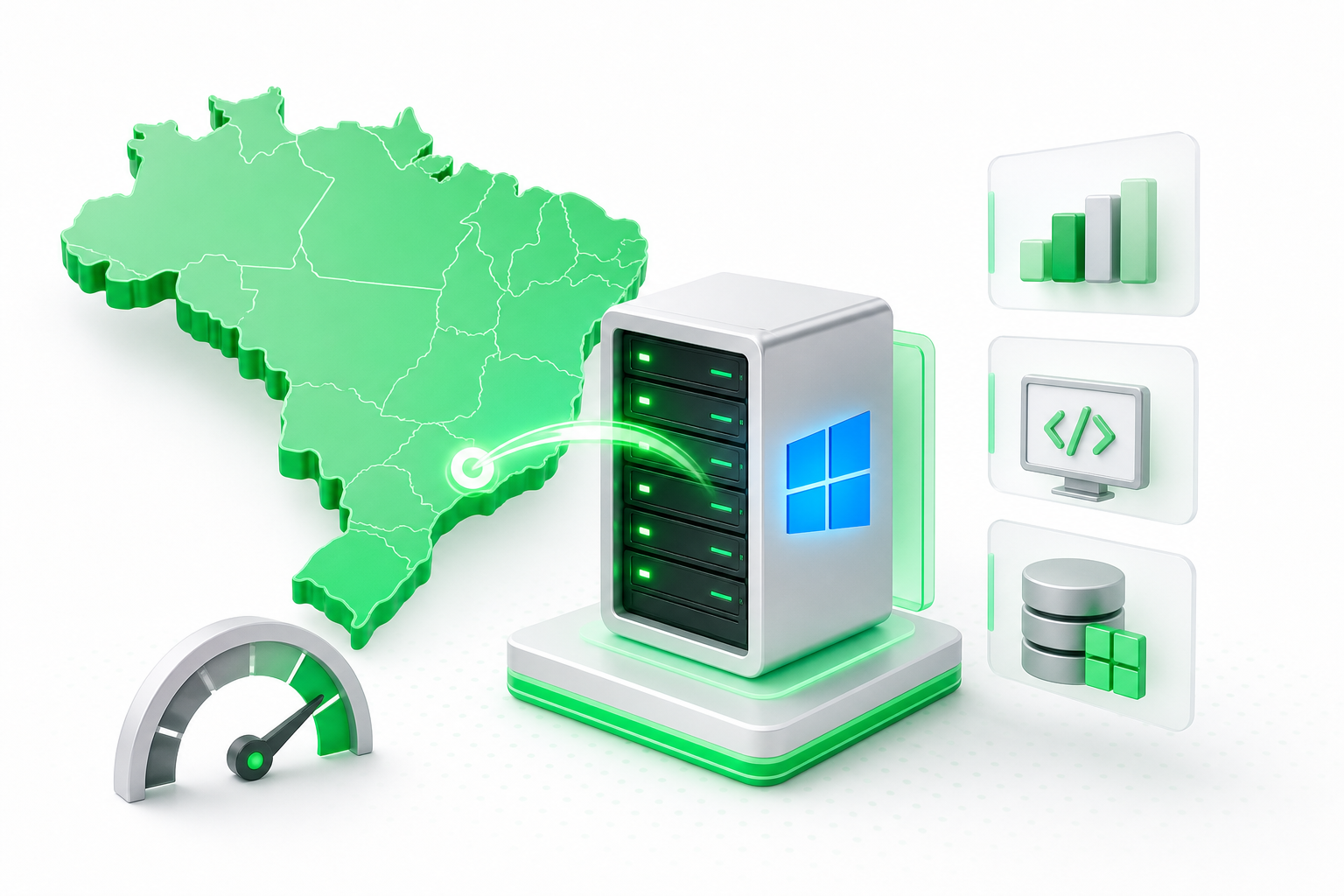
What is a servidor VPS, and when does it make sense for your project? A VPS (Virtual Private Server) is an isolated slice of a physical server that runs its own operating system, with dedicated CPU, RAM, and storage. It gives you more control and reliability than shared hosting at a lower cost than a dedicated server, making it the right fit for most growing websites, e-commerce stores, and APIs.
Choosing a VPS is not just about picking a price point. Location, compliance requirements, virtualisation type, and post-purchase configuration all determine whether the server actually meets your project's needs. This guide walks you through every decision checkpoint.
What Is a Servidor VPS and How Does Virtualisation Work?
A VPS works by dividing one physical server into several isolated virtual machines, each behaving as if it were a standalone computer. Each virtual machine gets its own operating system, root access, fixed IP address, and reserved CPU, memory, and disk resources, so what happens on one VPS cannot affect another on the same hardware.
The technology that makes this possible is a hypervisor, a software layer that sits between the physical hardware and the virtual machines and allocates resources to each one. The most widely used type in modern VPS hosting is KVM (Kernel-based Virtual Machine), which is built into the Linux kernel and delivers near-native hardware performance with strong isolation between virtual environments.
Why does isolation matter? On shared hosting, every account competes for the same CPU and RAM. One site with a traffic spike can slow down every other site on that server. With a VPS, your resources are reserved. A traffic surge on another customer's server does not touch yours.
This isolation also has security benefits. Because each VPS runs a separate OS instance, a vulnerability or compromise on one virtual machine does not automatically expose the others. You can also configure your own firewall rules, install custom software, and manage users exactly as you would on a physical machine.
For a deeper look at how VPS fits into the broader server landscape, the Napoleon VPS hosting guide covers the full range of infrastructure options available for Brazilian projects.
What Is a Servidor VPS Used For?
VPS hosting covers a wide range of workloads. According to Toda Solução's 2026 report, a high-quality VPS meets 90% of business use cases in Brazil, though that figure comes from a single vendor source rather than an independent benchmark. The breadth of real-world applications supports the general point. Here are the most common uses:
- Business websites and blogs. Any site that has outgrown shared hosting, whether because of traffic volume, plugin conflicts, or slow load times, benefits from the dedicated resources a VPS provides.
- E-commerce stores. Online stores need consistent uptime, fast page loads, and the ability to handle payment processing securely. A VPS gives you the control to configure SSL, harden your server, and meet PCI-DSS requirements more easily than on shared hosting.
- Web applications and APIs. If you are running a custom web app or exposing an API to external clients, you need a stable environment with predictable performance. A VPS lets you install exactly the runtime and dependencies your application requires.
- Development and staging environments. Developers use VPS instances to mirror production setups, test deployments, and run CI/CD pipelines without risk to live systems.
- Databases. Running a dedicated database server on a VPS keeps your data layer separate from your application layer, which improves both performance and security.
- Game servers and voice chat. Multiplayer game servers and voice applications need low latency and consistent bandwidth, both of which a VPS handles better than shared infrastructure.
- Automation and scheduled tasks. Bots, scrapers, cron jobs, and background workers all need a server that stays on 24/7. A VPS is a cost-effective way to keep these processes running continuously.
VPS vs Shared Hosting vs Dedicated Server: Which One Do You Need?
The three main tiers of web hosting serve different needs and budgets. Understanding where each one fits helps you avoid overpaying for resources you do not need, or underpaying for a plan that will hold your project back.
| Tier | Resource isolation | Root access | Typical workload | Cost level |
|---|---|---|---|---|
| Shared hosting | None, resources pooled across all accounts | No | Personal blogs, small brochure sites, early-stage projects | Lowest |
| VPS | Full, dedicated CPU, RAM, and storage per instance | Yes | Growing websites, e-commerce, APIs, databases, dev environments | Mid-range |
| Dedicated server | Complete, entire physical machine is yours | Yes | High-traffic platforms, data-intensive applications, strict compliance workloads | Highest |
Shared hosting is the right starting point when traffic is low and technical requirements are minimal. The moment you notice slow load times under moderate traffic, resource limits blocking software installs, or security concerns about a shared environment, it is time to move. The article 10 Razões para Migrar da Hospedagem Compartilhada para VPS em 2026 covers the specific signals that tell you a migration is overdue.
A dedicated server makes sense when a single VPS instance cannot handle your workload, or when your compliance requirements demand that no other tenant share the physical hardware. For most projects, that threshold is well beyond what a VPS can handle, and the cost difference is significant.
On the question of whether a major cloud platform counts as a VPS: services like AWS EC2 offer virtual compute instances that share the same core concept, but they use a different pricing model, a more complex management interface, and a global infrastructure designed for enterprise scale. They are not the same product as a managed or unmanaged VPS from a regional provider, even if the underlying virtualisation technology overlaps.
How to Choose the Right VPS: Key Selection Criteria
Not all VPS plans are equal, and the cheapest option rarely stays cheap once you factor in performance gaps, support costs, or the time spent managing a server that was undersized from the start. Work through each criterion below before you commit to a plan.
CPU and RAM. These two resources set the ceiling on how many simultaneous requests your server can handle. A basic web application or low-traffic site can run comfortably on 1-2 vCPUs and 2 GB of RAM. A busy e-commerce store or database server will need more. Start conservatively and check whether the provider lets you scale up without migrating to a new instance.
Storage type: SSD vs NVMe. Both are faster than older spinning-disk drives, but NVMe storage connects directly to the CPU over a PCIe bus rather than through a SATA controller. In practical terms, NVMe delivers significantly faster read and write speeds, which matters most for databases, high-traffic sites, and applications that write logs or cache data frequently. If a provider offers NVMe as an option, it is worth choosing over standard SSD for any workload that is storage-intensive.
Server location. Physical distance between your server and your visitors adds latency. If most of your users are in Brazil, a server hosted in Brazil will consistently outperform one hosted in Europe or North America. Location also affects compliance, which the next section covers in more detail.
Managed vs unmanaged. An unmanaged VPS gives you root access and leaves all administration to you: OS updates, security patches, software installs, and troubleshooting. A managed VPS includes some level of provider support for those tasks. If you are comfortable with Linux administration, unmanaged is more flexible and often cheaper. If you are not, the extra cost of a managed plan is usually worth it to avoid downtime caused by a missed security patch.
DDoS protection. This is not a nice-to-have. Attacks against VPS instances are frequent enough that you should confirm what DDoS mitigation a provider includes before signing up, not after your first attack. Ask whether protection is built into the plan or sold as an add-on.
Support quality. Check whether 24/7 support is included and through which channels. Response time during an outage matters more than any feature on the spec sheet. Look for providers that offer live chat or phone support, not just a ticket queue.
Scalability. Your traffic will not stay flat. Confirm that you can upgrade CPU, RAM, and storage without rebuilding your server from scratch. Providers that require a full migration to move between plans add hidden cost and downtime risk.
Evaluating providers. The "top 10 VPS providers" framing you will find in many comparison articles rarely rests on verified performance data. Focus on the criteria above instead: read recent user reviews on neutral forums, test support responsiveness before you commit, and ask for a full quote that includes all add-ons. For a structured checklist of what to evaluate, Hospedagem VPS: O Que Avaliar Antes de Contratar goes deeper on each factor.
Choosing a VPS in Brazil: Location, LGPD, and Pricing Considerations
For projects targeting Brazilian users, server location is one of the most consequential decisions you will make. A server hosted in São Paulo or another Brazilian data center will deliver lower latency to users across the country than one hosted abroad. Faster response times improve user experience, reduce bounce rates on e-commerce pages, and help search engine rankings for Brazilian audiences.
Beyond performance, there is a legal dimension. Brazil's Lei Geral de Proteção de Dados (LGPD), the country's data protection law, imposes obligations on how personal data is collected, stored, and transferred. While LGPD does not always require data to stay on Brazilian soil, storing data locally simplifies compliance. You avoid the additional layer of cross-border data transfer rules that apply when personal data leaves the country. If your project handles customer data, consult a legal professional about your specific obligations. The general principle is that local storage reduces compliance complexity.
Pricing in the Brazilian VPS market varies widely. Plans are typically quoted in BRL, and costs depend on the resource tier, whether the plan is managed or unmanaged, and what extras like DDoS protection or control panel licenses are included. Avoid comparing plans on headline price alone. A cheaper plan that excludes DDoS mitigation, charges separately for a control panel, or limits support to business hours can cost more in practice than a slightly pricier all-inclusive option.
Napoleon is a Brazilian hosting provider that offers VPS plans with servers in Brazil and the USA, NVMe storage, and 24/7 support. Visit Napoleon to contact the team directly and get a quote matched to your specific workload and location requirements.
When you request quotes from any provider, ask for the total cost including control panel, backups, and support tier. That is the only honest basis for comparison.
What Operating System Should You Choose for Your VPS?
Most VPS providers offer a choice of Linux distributions, and occasionally Windows Server. For the vast majority of web projects, Linux is the right choice. It is stable, well-documented, and supported by almost every web stack and control panel available.
The main distributions you will encounter are Ubuntu, Debian, CentOS (now succeeded by AlmaLinux and Rocky Linux), and Fedora. Here is how to think about the choice:
Ubuntu LTS is the best starting point for beginners. It has the largest community, the most tutorials, and long-term support releases that receive security updates for five years. If you are new to Linux server administration, Ubuntu LTS removes friction.
Debian is the upstream base for Ubuntu. It is slightly more minimal and conservative in its package versions, which makes it a solid choice if you want a lean, stable server and are comfortable managing software manually.
AlmaLinux or Rocky Linux are the community successors to CentOS. They are binary-compatible with Red Hat Enterprise Linux, which matters if your application or your team has a RHEL background, or if you are running control panels like cPanel that have historically favored RHEL-based systems.
Windows Server is available on some plans and is necessary if your application stack requires IIS, ASP.NET, or Microsoft SQL Server. Expect a higher resource footprint and an additional license cost.
The next section of this guide covers the five essential configuration steps to run through immediately after your first login.
How to Configure Your VPS After Purchase: 5 Essential Steps
Your VPS is live. The default configuration is not secure enough to run in production. Work through these five steps in order before you point any domain or application at the server.
Choose your plan settings before you finalize the purchase. Select the right OS, server location, CPU and RAM tier, storage type, and any security add-ons at signup. Changing these later can require a full migration.
Update all system packages immediately after your first login. On Ubuntu or Debian, run
sudo apt update && sudo apt upgrade. On AlmaLinux or Rocky Linux, usesudo dnf update. Freshly provisioned servers often ship with packages that are already weeks behind the latest releases.Create a non-root user and add it to the sudo group. The root account has unlimited power over the system. Using it for daily tasks means a single mistake or compromised session can destroy everything. A sudo user gives you the same capabilities with an extra confirmation step.
Enable the UFW firewall with a default deny-incoming policy. Allow outgoing traffic, then open only the specific ports your application needs, such as 80 and 443 for web traffic. Every closed port is one less entry point for attackers.
Switch from password authentication to SSH key pairs. Password logins are vulnerable to brute-force attacks. SSH keys are not. Disable password authentication in your SSH configuration once your key is working and tested.
FAQs
How much does a VPS cost per month in Brazil?
VPS pricing in Brazil varies by provider, resource tier, and what is included in the plan. Managed plans with DDoS protection and a control panel license cost more than bare unmanaged instances. Prices are quoted in BRL and change frequently. The most reliable approach is to request a direct quote from providers you are evaluating, specifying your CPU, RAM, storage, and support requirements so you can compare total costs honestly.
Who is the best VPS provider for Brazilian businesses?
No independent benchmark ranks all Brazilian VPS providers on verified performance data. The most useful approach is to evaluate providers against the criteria that matter for your project: server location, NVMe storage, DDoS protection, support availability, and scalability. Read recent user reviews on neutral forums, test support responsiveness before committing, and ask for a full quote that includes all add-ons.
Is a VPS server secure enough for e-commerce?
Yes, when configured correctly. A VPS gives you root access to set your own firewall rules, install SSL certificates, harden SSH, and manage user permissions. That level of control makes it more suitable for e-commerce than shared hosting, where you cannot control the server environment. You still need to keep software updated, use strong authentication, and confirm that your provider includes DDoS mitigation.
Can I upgrade my VPS plan as my site grows?
Most providers allow you to scale CPU, RAM, and storage within the same VPS instance, though the process varies. Some providers apply upgrades without downtime; others require a reboot or a full migration to a larger instance. Before you sign up, ask the provider specifically how upgrades work and whether your IP address and data carry over automatically.
What is the difference between managed and unmanaged VPS?
An unmanaged VPS gives you root access and leaves all administration to you: OS updates, security patches, software installs, and troubleshooting. A managed VPS includes provider support for some or all of those tasks. Unmanaged plans suit teams comfortable with Linux administration and give more flexibility. Managed plans cost more but reduce the risk of downtime from missed patches or misconfiguration, making them a practical choice for teams without a dedicated sysadmin.
Conclusion
A VPS gives you dedicated resources, root access, and genuine isolation from other users, at a cost well below a dedicated server. For growing websites, e-commerce stores, APIs, and development environments, it covers the vast majority of real-world needs. Location, storage type, DDoS protection, and whether the plan is managed or unmanaged matter more than headline price when you are comparing options.
Start by confirming your workload requirements: how much traffic you expect, whether you need a Brazilian data center for latency or compliance reasons, and how comfortable your team is with Linux administration. Then request full quotes from providers, including control panel and support costs, before you decide. Once you have your server, follow the five configuration steps above before going live. That sequence takes less than an hour and closes the most common security gaps from day one.