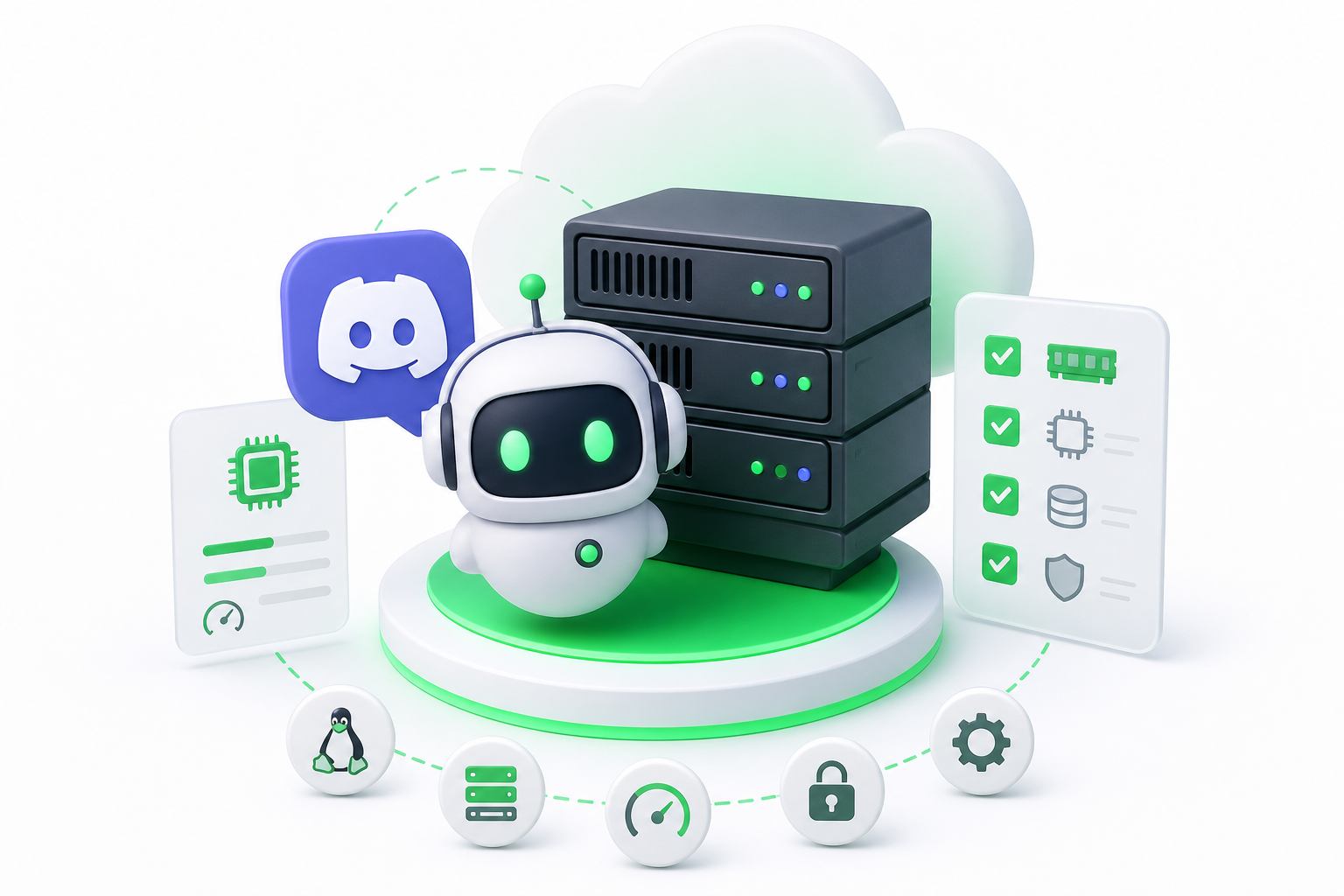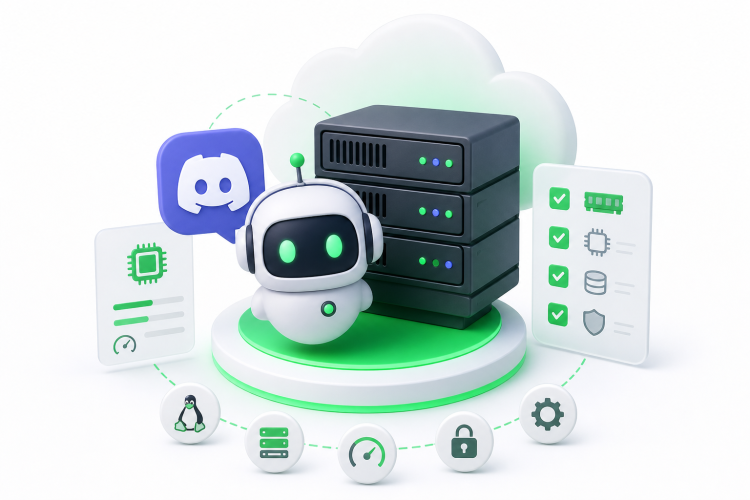
For a typical Discord bot, a small Linux VPS (Virtual Private Server) with 1 to 2 GB of RAM, one vCPU and a process manager is enough, since a functional bot uses roughly 50 to 150 MB of RAM. Pick a provider by region, root access and support, then secure the token, firewall and restart policy before going live.
A bot only works while its process runs, so close your laptop and it goes offline. That is why most owners move to an always-on Linux server.
How Much RAM and CPU Does a Discord Bot Need?
A plain Discord bot needs very little. According to selfhostr.com's 2026 guide, a functional bot typically consumes roughly 50 to 150 MB of RAM in 2026. That is a typical range, not a promise. Your own code, libraries and caching choices can push it higher.
So, is 1 GB of RAM enough for a Discord bot? For a single command bot, yes. The operating system takes a share, your runtime (Node.js or Python) takes another, and the bot fits in what is left. Simple!
Sizing by bot type works like this:
- Command or moderation bot: one vCPU and 1 GB of RAM is a comfortable start.
- Bot with a database or web dashboard: aim for 2 GB, since the database and the dashboard run next to the bot.
- Music bot using Lavalink: plan for noticeably more RAM, CPU and network headroom. Audio streaming and encoding are heavy compared to text commands, so size up and watch usage after launch.
Bandwidth rarely decides things for text bots, since messages and API calls are tiny. It matters more for music bots that stream audio.
Now the value question: why is 2 GB often a better buy than a 1 GB entry plan? Entry plans leave almost no room for the OS, updates, a database or a second bot. The jump to 2 GB usually costs a modest amount more, and it spares you a migration when your bot grows or you add a project. You can resize later, but starting with breathing room is calmer.
VPS vs Managed Bot Hosting: Which Should You Choose?
Choose a VPS if you want root access and full control, and choose a managed bot host if you want the quickest path to getting online with the least server work. Both keep your bot running 24/7. The difference is who handles the server. If you go the VPS route, a provider like Napoleon offers Linux VPS plans with root access.
A VPS is a slice of a physical server that behaves like your own machine. You install the runtime, set up the process manager, and handle updates and security yourself. In return, you can run a database, a dashboard, a Lavalink node and other projects on the same box.
A managed bot host sells plans built for bots. Many come with a control panel for uploading files and restarting the bot, so you rarely touch the command line. The trade-off is less flexibility, and plans are often built around bot-specific limits rather than raw server resources.
Billing differs too. Generic VPS plans are usually priced by resources (RAM, CPU, storage), while bot plans are often priced by bot slots or preset bundles. Compare what you actually get, not just the headline.
| Setup effort | Control and root access | Price structure | Best for | |
|---|---|---|---|---|
| Self-managed VPS | Higher: you install and maintain everything | Full root access | Priced by server resources, from budget to premium tiers | Developers, multi-bot setups, Lavalink, custom stacks |
| Managed bot host | Lower: panel-based, little or no server work | Limited, depends on the plan | Priced by bot-oriented plans or bundles | First-time owners who want a bot online fast |
On the budget VPS side, providers such as Hetzner, RackNerd and IONOS are popular picks. Sparked Host and PebbleHost are commonly named examples of managed bot hosting. Check each provider's current plan details yourself, since offers change.
Not sure which fits? If you are comfortable with SSH and want room to grow, go with a VPS. If you would rather never open a terminal, a managed plan is a fair choice.
What to Look for in the Best VPS for a Discord Bot
The best VPS for a Discord bot is the one that matches your bot's size, your comfort with Linux and your budget, with root access and reliable support. Skip the one-size-fits-all rankings and judge each option on a few traits.
Here is what to check before you pay:
- Root access and Linux choice: you need to install runtimes and a process manager.
- RAM first, then CPU: bots are memory-bound far more often than CPU-bound.
- Region: pick a data center close to you for SSH comfort, or close to your community when response speed matters.
- Support: 24/7 help is worth having when your bot goes down at 3 a.m.
- Contract terms: some low prices require a yearly commitment, so read the billing terms.
- Scaling: check that you can add RAM or CPU later without rebuilding.
Here is how the researched providers compare, in qualitative terms only:
- Kamatera: customizable cloud servers where you choose the exact CPU, RAM and storage. It sits in a premium price tier, scales instantly, and has been reported to offer a 30-day free trial with credit. Good if you want to size precisely.
- IONOS: low-cost VPS plans with full root access, unlimited traffic and 24/7 customer support. A budget-tier option known for affordability.
- RackNerd: budget KVM virtual servers often used for lightweight scripts and small bots. Its starting price requires a yearly commitment, and its US data center locations are limited on special plans.
- Hetzner: valued for its cost-to-performance ratio, with the CX22 plan widely cited as a strong pick for hosting several small bots. It requires manual Linux administration, so it suits people comfortable with the terminal.
For a first bot, a budget-tier plan with 1 to 2 GB of RAM covers most needs. Reserve premium tiers for heavier projects, such as music bots or several bots on one server.
Which Host Is Best for a Lavalink Music Bot?
The best host for a Lavalink music bot is a VPS with generous RAM, a solid CPU allowance and good network quality, because the Lavalink server handles audio streaming and processing next to your bot. A plain text-command bot is light by comparison, so size up and skip the smallest entry plans.
Lavalink is a separate audio server that your bot talks to. It does the heavy work, so your server must handle it alongside the bot itself. We don't have a researched RAM figure for it, so treat any number you find on a forum as a starting point and watch your real usage after launch.
Prioritize these, in this order:
- RAM: go for the 2 GB tier or above rather than the smallest plan.
- CPU: pick a plan that does not share its processor too aggressively.
- Network: audio streams constantly, so a stable connection matters more here than for a text bot.
- Region: choose a data center near your voice-chat community when you can.
On the researched list, Hetzner is widely cited as good value for running several small bots, and Kamatera lets you pick exact CPU and RAM, which helps when you want to tune a music bot. Threads on Reddit often point beginners toward these two kinds of options, so a quick search for "vps for discord bot reddit" is worth a look, though advice there ages fast.
If your community is based in North America, a US-located server is a natural fit. A VPS EUA from Napoleon gives you root access on a US data center, so you can install Lavalink, your bot and a process manager on one machine.
How to Set Up Your Discord Bot on a Linux VPS Step by Step
To deploy your bot, you install the runtime, clone your code, store your secrets safely, and then use a process manager so the bot keeps running after you close SSH. Most bots take under an hour. Here is the order to follow.
- Connect to your server. Log in over SSH with the details from your provider, ideally as a non-root user. If you need a refresher on first-time server setup, see our Ubuntu Server initial security and network guide.
- Install the runtime. Install what your bot needs, such as Node.js or Python [S1]. Check the version with
node -vorpython3 --version. - Clone your code and install dependencies. Use
git clonewith your repository URL, move into the folder, then runnpm installorpip install -r requirements.txt[S2]. - Store your secrets. Create a
.envfile for your bot token and other secrets, and lock it down withchmod 600.envso only your user can read it [S3]. Never commit this file to your repository. - Test the bot by hand. Run it once with
node index.jsorpython3 bot.pyand confirm it comes online in Discord. - Keep it alive with a process manager. Here is the part many beginners miss: if you close your SSH session, a bot started by hand stops. A process manager such as PM2 (for Node.js) or a systemd service (for Python) runs the bot in the background and restarts it after a crash or a reboot.
- Enable startup on boot. Tell the process manager to save its list and launch at boot, so a server restart never leaves your bot offline.
So, how do you keep your bot running after you close your SSH session? Simple: run it under PM2 or systemd instead of in your terminal window. For the Node.js route, our guide on hosting a Node.js project on a VPS with PM2 and Nginx covers the details.
If you want the bigger picture on how VPS hosting works, our VPS server guide explains the basics in plain language.
How Do You Secure a Discord Bot VPS?
Protect your bot token first, then lock down access to the server itself. A leaked token lets anyone control your bot, and an open server can draw automated attacks within hours of going online. This checklist covers the essentials.
- Guard the token: keep it in a
.envfile, never in your code or a public repository. If it ever leaks, reset it in the Discord Developer Portal right away. - Restrict file permissions: make secrets readable only by the bot's user (
chmod 600). - Run the bot as a non-root user: if the bot is ever compromised, the damage stays limited.
- Use SSH keys: set up key-based login, then disable password login and direct root login in your SSH configuration.
- Turn on a firewall: allow only the ports you need (SSH, plus a web port if you run a dashboard) and block the rest. UFW is a friendly option on Ubuntu.
- Block brute-force attempts: a tool like Fail2ban bans addresses that keep guessing passwords. Our Fail2ban practical guide walks you through it.
- Keep everything updated: apply operating system updates regularly, and update your bot's dependencies.
- Limit what the bot can do: give your bot only the Discord permissions it truly needs.
Make this a habit. A few minutes of setup now can save you from a stolen token later.
How Do Discord’s 2026 Privileged Intent Changes Affect Your Hosting?
Discord's 2026 policy change touches your hosting plan only indirectly: it changes when you need approval for certain data, and that often lands just as your bot starts to grow. Discord updated its developer policy on June 10, 2026, to base intent reviews on user counts rather than server counts. Bots with fewer than 10,000 unique users can enable privileged intents without a review.
What does that mean for you? A small bot can use privileged intents (the settings that give your bot access to things like member lists and message content) without waiting on a review. Simple! Both figures come from a single hosting blog, so check Discord's developer documentation before you build around them.
Why does this matter for hosting? Privileged intents mean more data flowing into your bot. More tracked members means more caching, and more caching means more RAM. A bot that sat at the low end of the usual range can climb once those intents are on and your community expands.
It also helps to see the scale. Discord reached 28.4 million total servers by 2025, and one database tracked 109,145 active bots as of late 2026. Your bot is one of many.
So plan in steps. Start on a 1 to 2 GB server, watch memory use as your user count rises, and move up a tier before you hit the ceiling, not after.
Can You Get Free Discord Bot Hosting 24/7 or a Free Trial?
Free hosting that stays online 24/7 is rare, so don't count on it for a bot people depend on. Free plans may sleep when idle, restart without warning, or vanish. We have not researched any free provider, so treat every free offer as unproven until you test it yourself.
Searching for "discord bot hosting free 24/7" turns up plenty of promises. Be careful with them. A bot that drops offline at random frustrates your community and can hurt trust in your server.
Free trials are a safer route, because they let you run your real bot on a real server before you commit. Among the providers covered earlier, Kamatera has been reported to offer a 30-day free trial with credit. Offers change, so confirm the current terms on the provider's own site.
Here is how to test a paid VPS safely:
- Deploy your actual bot: use the same setup steps you would use in production.
- Watch memory and CPU for a week: check usage during your busiest hours.
- Test a restart: reboot the server and confirm the bot comes back on its own.
- Read the billing terms: know what happens when the trial ends, and set a reminder before it does.
Prices and plan limits verified as of November 2026.
FAQs
Is 1GB of RAM enough for a Discord bot?
For a simple bot, yes. A 1 GB server leaves room for the bot after the operating system and runtime take their share. Bots with a database, a dashboard or music streaming need more, so choose 2 GB if you expect to grow or add projects.
Should I use a VPS or a managed bot hosting plan?
Choose a VPS if you want root access, room for databases or Lavalink, and the freedom to run several projects. Choose a managed bot host if you prefer a panel and little server work. Both keep your bot online. The real difference is how much of the server you want to manage yourself.
How do I keep my bot running after I close my SSH session?
Run the bot under a process manager instead of a plain terminal window. PM2 works well for Node.js, and a systemd service works for Python. Both run the bot in the background, restart it after a crash, and can launch it automatically when the server reboots.
Which host is best for a Lavalink music bot?
Pick a VPS with generous RAM, a solid CPU allowance and a stable network, since Lavalink handles audio streaming alongside your bot. Aim for the 2 GB tier or higher, choose a region near your voice-chat community, and watch real usage after launch. Providers with adjustable resources make tuning easier.
Is there a free VPS for a Discord bot that runs 24/7?
Free options exist, but they rarely stay reliably online around the clock. They may sleep, restart or vanish without notice. For a bot your community depends on, a low-cost paid plan is the steadier choice. Use a free trial to test before you commit, and confirm the current terms with the provider.
Do free trials work for testing Discord bot hosting?
Yes, they are one of the best ways to test. Deploy your real bot, monitor memory and CPU for a week, and reboot the server to confirm the bot recovers. Check what happens when the trial ends so you are not surprised by a charge or a shutdown.
Do I need a new server if my bot grows past 10,000 users?
Not necessarily. The 10,000 unique user mark relates to Discord's intent review rules, not to a hardware limit. What changes is memory use, since a larger community means more cached data. Watch your RAM, and upgrade to a bigger plan when usage climbs.
Conclusion
Most Discord bots run fine on a small Linux VPS with 1 to 2 GB of RAM, root access and a process manager that restarts the bot on its own. Music bots with Lavalink need more headroom, and free 24/7 hosting is risky for anything people rely on.
Start by deploying your bot on a trial or a small paid plan and watch its memory use for a week. Then lock down the token, the firewall and SSH access before you invite anyone in.