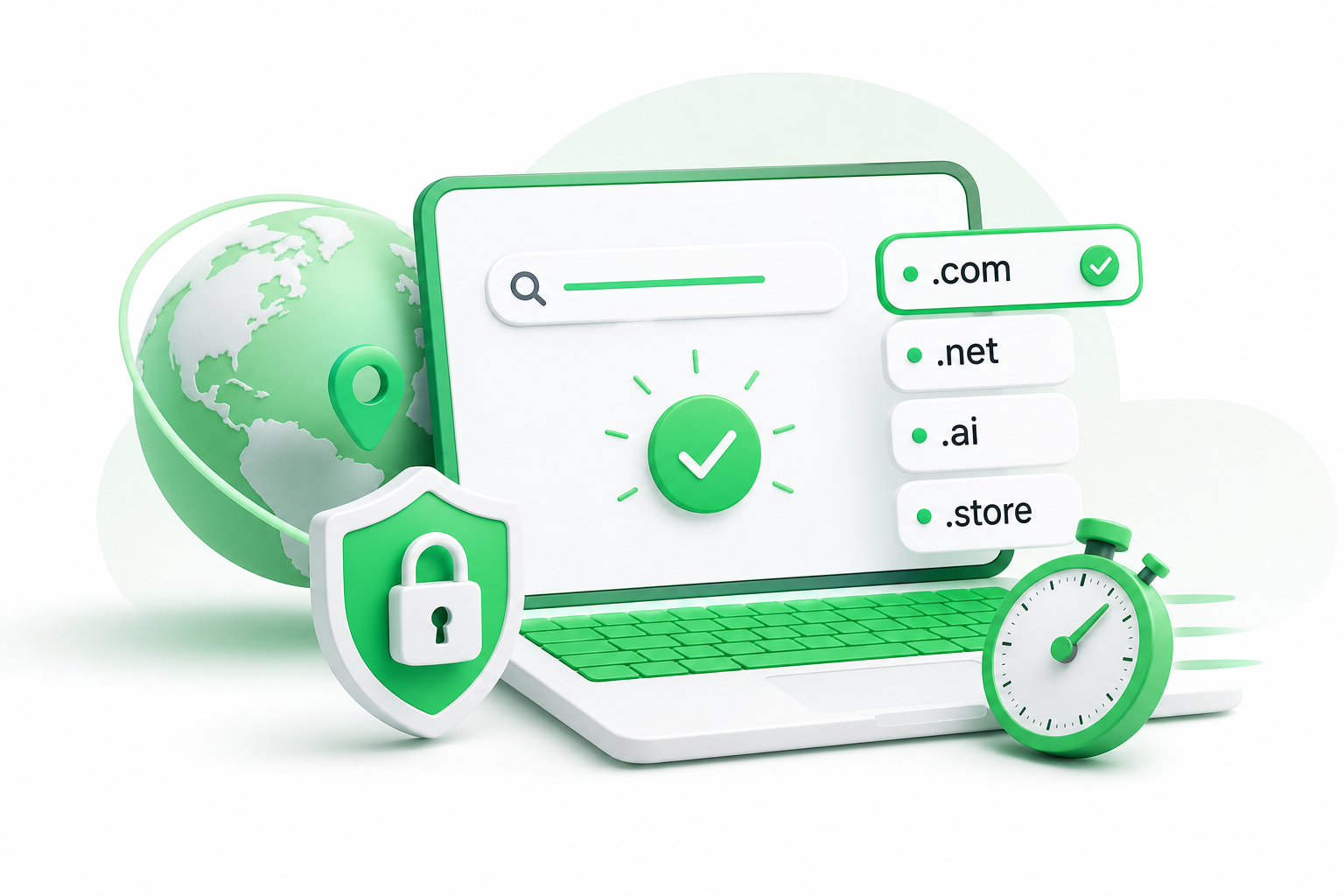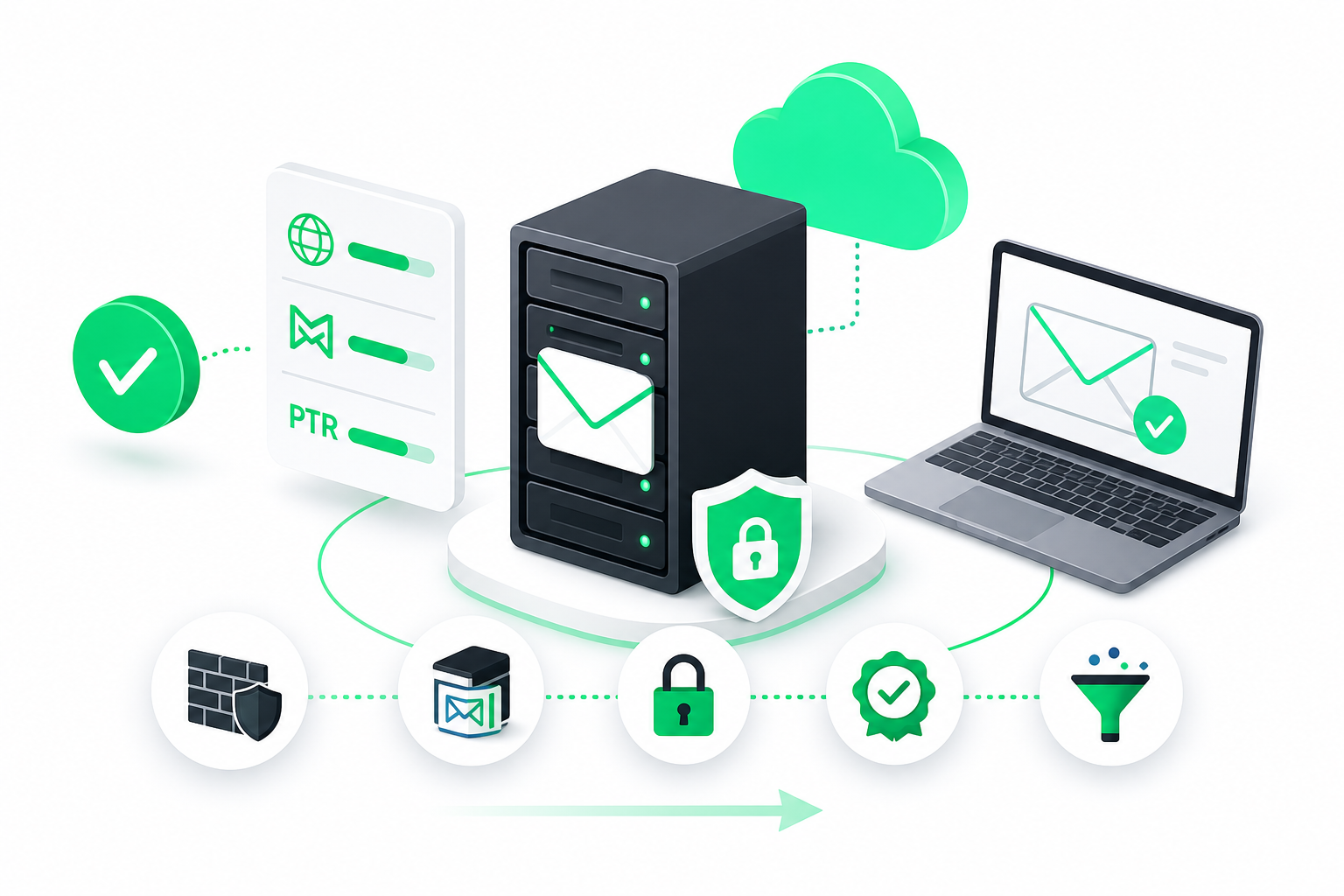
To book a domain, pick a brand name and extension, check availability with a registrar's search tool, choose the best available variant, complete checkout with privacy enabled, then point DNS at your host and activate SSL. Compare renewal terms and privacy inclusion before paying, since first-year promo prices rarely show the full cost.
The whole process can take a few minutes. What takes time is deciding what you want before you open a search box. This guide walks you through each step, from choosing a name to getting your site online, so you know what to check along the way.
What to Decide Before You Book a Domain Online
When you book a domain online, three decisions come first: the name, the extension, and the terms you will accept. Settle these before you search, and checkout becomes quick.
Start with the name. Say it out loud to a friend and ask them to type it. If they get it wrong, or you have to explain it twice, keep brainstorming. Hyphens and number swaps (like "4" for "for") are the usual culprits, because people mistype them and send traffic to the wrong site.
Next, think about credibility. A custom domain is more than a web address. Nearly half of small businesses, about 46%, believe owning a custom domain boosts their brand's credibility, according to Wix's 2026 domain statistics. That figure comes from a vendor, but it matches what you probably feel yourself: an email from a real domain looks more trustworthy than one from a free mailbox.
Write down two or three name candidates and the extension you would like for each. Backups save you from starting over if your first pick is taken.
A quick test helps here. Imagine reading the name over the phone to a customer, or seeing it printed on a business card. If it needs a spelling lesson, or it blurs into another word when spoken ("nowhere" versus "no where"), pick another. Also search the name on social platforms, since matching handles make your brand easier to find.
Finally, decide what you will not accept. For most people that means a registrar that hides renewal terms, charges extra for basic privacy, or makes transfers hard. You will compare those points in detail later in this guide.
What Is the Difference Between.com,.net, and Other Extensions?
An extension (or TLD) is the ending of your address, such as.com or.net. They all work the same way technically, but they differ in familiarity, renewal cost, and fit.
.com is the default most people type. If your audience is broad or commercial, it is usually the safest choice, and it is the one visitors will guess if they forget your address.
.net started as a home for networks and tech services. Today it works as a solid second choice when the.com is taken, though some visitors will still assume.com by habit.
Newer and country extensions such as.ai,.io,.store, or a country code can signal a niche or a location. Interest in them is real: registrations for.ai passed 1 million in early 2026 after 67% annual growth, according to Wix. Demand is strong overall too. Verisign reported that global domain registrations rose by 33.0 million names year over year as of Q3 2026. Both figures come from vendors, but they show how much competition there is for good names.
The catch with niche extensions: they can cost more to renew, and some have eligibility rules. Check the renewal terms for your exact extension before you commit.
| Your situation | Extension to consider | Why |
|---|---|---|
| General business or brand | .com | Most familiar, easiest to remember |
| .com is taken, same brand | .net | Recognized, close to the .com feel |
| AI or tech product | .ai or .io | Signals your field |
| Local business in one country | Country code | Shows where you operate |
| Online shop | .store or .shop | Says what the site does |
How to Register a Domain Step by Step
Registering a domain follows the same five steps at nearly every registrar. Here is the order to follow.
- Identify your brand name and target extension. Use the shortlist you made earlier, with your top choice first.
- Check domain availability using a search tool. Type the full name into the registrar's search box. It will tell you right away if the name is free, taken, or listed as a premium name.
- Select the best available variant or alternative. If your first choice is gone, compare the suggestions. A different extension or a slight rewording is usually better than adding hyphens or random letters.
- Complete the registration and checkout process. Create your account, pick a registration length, and add your contact details. At this step, switch on WHOIS privacy so your personal address and phone number stay out of the public record. Also check the auto-renew setting so you do not lose the name by accident.
- Configure DNS and SSL to activate the site. Point the domain's DNS (Domain Name System, the system that connects your name to a server) at your host, then enable an SSL certificate so the site loads over HTTPS.
Before you pay, read the order summary line by line. Look for pre-checked add-ons you did not ask for, and note the renewal terms shown for year two.
Keep a record once the order clears. Save the confirmation email, the registration and expiry dates, and the login for your registrar account in a safe place. If a problem comes up later, such as a contact dispute or a failed renewal, those details speed up support.
If you want a longer walkthrough of pairing a name with a host, the guide on domain and hosting: how to choose and set them up fast covers it in detail.
How Do I Buy a Domain If It Is Already Taken?
If the name you want is already registered, you have four routes: change the name, change the extension, find out who owns it, or check the aftermarket. Try them in that order.
Adjust the name. Add a short, meaningful word to the front or back, such as "get," "my," "hq," or your city. Keep it easy to say out loud, and skip hyphens and number swaps.
Try another extension. If the.com is gone, the same name may be free as a.net or a newer ending. Make sure the alternative still fits your audience before you commit.
Check the owner. Search the name in a browser. Many taken domains point to nothing at all. If the site is empty, the owner may be open to an offer, and a short, polite email is often enough to start the conversation.
Look at the aftermarket. Some owners list domains for sale on resale marketplaces, and registrars sometimes show these as premium names. Prices vary enormously by name, length, and extension, so treat any listing as a starting point for negotiation, not a fixed rate.
Whatever you choose, compare the cost of the name over several years. A premium name can make sense for a brand you plan to keep for a decade. For a side project, a clean alternative usually wins.
Cheapest Domain Registration With Privacy: What to Compare Before You Pay
The cheapest domain registration with privacy is the one with the lowest total cost over several years, not the lowest first-year offer. Costs vary by registrar and extension, so judge the terms, not the headline.
You will see promo-priced offers, including ultra-cheap domain registration deals, advertised everywhere. Treat them as first-year prices that often change at renewal. That is also why searches like "buy cheap domain names from GoDaddy" lead to pages full of intro prices: the real number shows up later, at year two.
Use this checklist before you pay:
- Renewal terms: Is the year-two price shown at checkout, and is it clearly stated?
- Privacy: Is WHOIS privacy included, or sold as an add-on?
- Transfer policy: Can you move the domain away later without penalties or long waiting periods?
- Upsells: Are extras like email, site builders, or protection plans pre-selected?
- Support: Can you reach a person if DNS or ownership goes wrong?
| What to check | Good sign | Warning sign |
|---|---|---|
| Renewal price | Shown before you pay | Hidden until after purchase |
| Privacy | Included or clearly priced | Added automatically at checkout |
| Transfers | Clear, simple process | Locked or limited |
| Add-ons | Opt-in | Pre-checked boxes |
| Contact details | Your own, protected | Registrar listed as owner |
The last row matters. You should be the registrant, so the domain is legally yours.
The guide on registering a domain name without hidden fees goes deeper on spotting extra charges.
Domain Privacy and Security Features to Turn On
Four settings protect your domain from the day you book it. Switch them on during checkout, not later.
- WHOIS privacy: Domain records are public by default and can list your name, address, email, and phone. Privacy replaces those details with proxy information, which cuts spam and scam attempts.
- Registrar lock: This stops unauthorized transfers of your domain to another registrar. Keep it on until you decide to move the name yourself.
- Two-factor login: Turn on two-factor authentication (2FA) for your registrar account. If someone gets into that account, they can change where your domain points.
- Auto-renew: An expired domain can be picked up by someone else. Keep auto-renew on and a valid payment method saved.
Also use a dedicated email address for the account and keep it current. Renewal notices and transfer codes go there.
For more on keeping a name safe long-term, read how to buy a domain name permanently and keep it safe.
After You Book: Connect DNS, SSL and Hosting
Once checkout is done, the site is not live yet. You still need to point your domain at a server and turn on HTTPS.
Follow these steps:
- Log in to your registrar and open the DNS or nameserver settings for your domain.
- Copy the nameservers your host gave you (for example, ns1 and ns2 addresses) and paste them in. If your host gave you an IP address instead, create an A record for the root domain (@) that points to it.
- Add a second record for "www" (a CNAME pointing to your root domain) so both versions of the address load the same site.
- Save the changes, then enable an SSL certificate in your hosting panel. SSL encrypts traffic so browsers show the secure padlock.
- Once DNS has spread, visit your domain and confirm it loads over HTTPS without warnings.
If the site shows an error, double-check for typos in the nameservers or record values, since one wrong character breaks the connection. DNS changes spread across the internet in stages, so expect anywhere from a few minutes to a day or so before every visitor sees the new setup.
Managing the domain and hosting in one panel means one DNS screen to check when something looks wrong. Napoleon is a hosting provider that lets you register domains and manage hosting from a single client panel, and its business plan pairs well with a new name. The steps for the hosting side are in how to host a website step by step.
FAQs
What is the cheapest place to buy a domain name?
The cheapest place is the registrar with the lowest total cost over several years, not the lowest first-year price. Compare the renewal price, whether WHOIS privacy is included, and how easy transfers are. Costs vary by registrar and extension, so check your exact name and ending before you pay.
Are there hidden fees in domain renewals?
They can be. Some registrars advertise a low first-year offer and raise the price at renewal, or sell privacy as an add-on. Look for the year-two price at checkout, uncheck pre-selected extras, and read the renewal terms before you confirm the order.
What is the difference between.com,.net, and other extensions?
All extensions work the same way technically. The difference is familiarity and fit. A.com is the most recognized,.net is a common second choice, and newer or country endings can signal a niche or a location. Some also cost more to renew, so compare terms.
Can I register a domain through Google?
Whichever registrar you consider, Google or any other, judge it the same way. Check renewal terms, privacy inclusion, transfer policy, and support before you pay, and confirm the registrar is currently accepting new registrations for your extension.
Is a $1 domain registration really worth it?
It can be, but only if you know what happens next. Headline promos are usually first-year offers that often change at renewal. Check the year-two price, whether privacy costs extra, and what add-ons are pre-selected. A cheap start is only a good deal if the later terms are fair.
How long does DNS propagation take after I register a domain?
DNS propagation usually takes from a few minutes to a day or so, depending on how quickly different networks refresh their records. Lower waiting times are common for new domains. If your site does not load right away, wait a bit, then clear your browser cache and check again.
Conclusion
Booking a domain takes minutes once you have chosen a name, an extension, and the terms you will accept. The cheapest option is the one with fair renewal terms and privacy included, not the lowest first-year price.
Before you pay, check the year-two price, confirm WHOIS privacy and auto-renew are on, and have your host's DNS details ready so the site can go live as soon as the order clears.