You can get a business email address on your own domain for free using Zoho Mail's permanent free plan or a Cloudflare forwarding setup, but you will still need to pay for the domain itself. Each option requires correct SPF, DKIM, and DMARC records to reach inboxes reliably. This guide covers both paths and the trade-offs most tutorials skip.
What Does ‘Free Business Email With Domain’ Actually Mean?
"Free" here refers to the email hosting, not the full setup. You will always need to own a domain name, and domain registration carries a cost, typically paid annually to a registrar.
Beyond that, there is an important distinction between a permanent free plan and a free trial. Zoho Mail offers a "Forever Free" plan with no expiration. Neo Mail, by contrast, offers a 15-day free trial before requiring a paid subscription. These are very different things, and conflating them leads to surprises when billing starts.
If you want a step-by-step walkthrough of connecting a professional address to your own domain, the guide on Email Profissional: Configurar com Dominio Proprio covers the full configuration process in detail.
Which Free Business Email Option Is Right for You?
The right choice depends on whether you need a full mailbox, just inbound forwarding, or a premium experience with a custom domain. The table below compares the main options so you can decide before following any setup steps.
| Tool | Free Plan? | Custom Domain | IMAP/POP | Best For |
|---|---|---|---|---|
| Zoho Mail | Yes (permanent) | Yes | No on free plan | Small teams wanting a real mailbox at no cost |
| Google Workspace | No (premium-tier) | Yes | Yes | Teams needing Gmail + Drive + Meet integration |
| Cloudflare Email Routing | Yes (permanent) | Yes | Not specified | Forwarding-only setups on an existing domain |
| Neo Mail | 15-day trial only | Yes | Not specified | Solopreneurs wanting AI writing and booking tools |
| Titan Email | Trial or paid | Yes | Not specified | Users bundling email with a registrar or host |
| Proton Mail for Business | No (custom domain requires paid) | Paid plan only | Not specified | Privacy-first teams willing to pay a premium |
According to Zoho's own data, emails sent from professional domains get three times higher open rates and are five times less likely to be flagged as spam compared to generic addresses. Google Workspace comes at a premium-tier price and suits teams that want Gmail, Drive, and Meet under one account. Major providers across the industry are also raising prices, so locking in a free or low-cost setup now has real long-term value.
How to Set Up a Free Business Email With Zoho Mail
Zoho Mail's "Forever Free" plan supports up to five users, each with 5 GB of storage, and includes a webmail interface and mobile app. The critical limitation: the free tier does not support IMAP, POP, or ActiveSync, so you cannot connect it to Outlook, Apple Mail, or Thunderbird. You use the Zoho webmail or their mobile app only.
Here is how to create a free business email using Zoho Mail:
- Go to zoho.com/mail and select the Forever Free plan.
- Enter your existing custom domain name when prompted (you must already own it).
- Verify domain ownership by adding a TXT record in your domain registrar's DNS settings.
- Add your MX records as Zoho instructs to route incoming mail to Zoho's servers.
- Create your first user account (for example, you@yourdomain.com).
- Add up to four more users if needed, staying within the five-user free limit.
- Log in at mail.zoho.com or download the Zoho Mail app to start sending and receiving.
SPF and DKIM records are set up in your domain registrar's DNS panel. Do not skip those steps; emails sent from professional domains get three times higher open rates and are five times less likely to be flagged as spam compared to generic addresses.
How to Use Cloudflare and Gmail as a Free Email Workaround
Cloudflare Email Routing is a free service that forwards mail sent to your custom domain address into a destination inbox like a personal Gmail account. It is not a full mailbox. By default it is inbound only, and per canarymail.io, it does not add DKIM signatures for custom domains on the free plan, which can hurt deliverability.
To send outbound mail from your custom domain address through Gmail, you need an extra step. Here is the full setup:
- Add your domain to Cloudflare and enable Email Routing in the dashboard.
- Create a forwarding rule: mail sent to you@yourdomain.com forwards to your Gmail address.
- Verify the destination Gmail address when Cloudflare sends a confirmation link.
- In your Google account, go to Security and enable two-step verification if not already active.
- Generate a 16-character Google App Password for SMTP authentication [S2].
- In Gmail, go to Settings, then "Accounts and Import," then "Send mail as."
- Enter your custom domain address and use smtp.gmail.com with your App Password.
- Confirm the verification code Gmail sends to your forwarding address.
After this, you can select your custom domain address as the "From" field in Gmail. Be aware that recipients may see "via gmail.com" in some clients, and the missing DKIM signature on Cloudflare's side is a real deliverability risk for cold outreach or transactional mail.
Required DNS Settings: SPF, DKIM, and DMARC for Deliverability
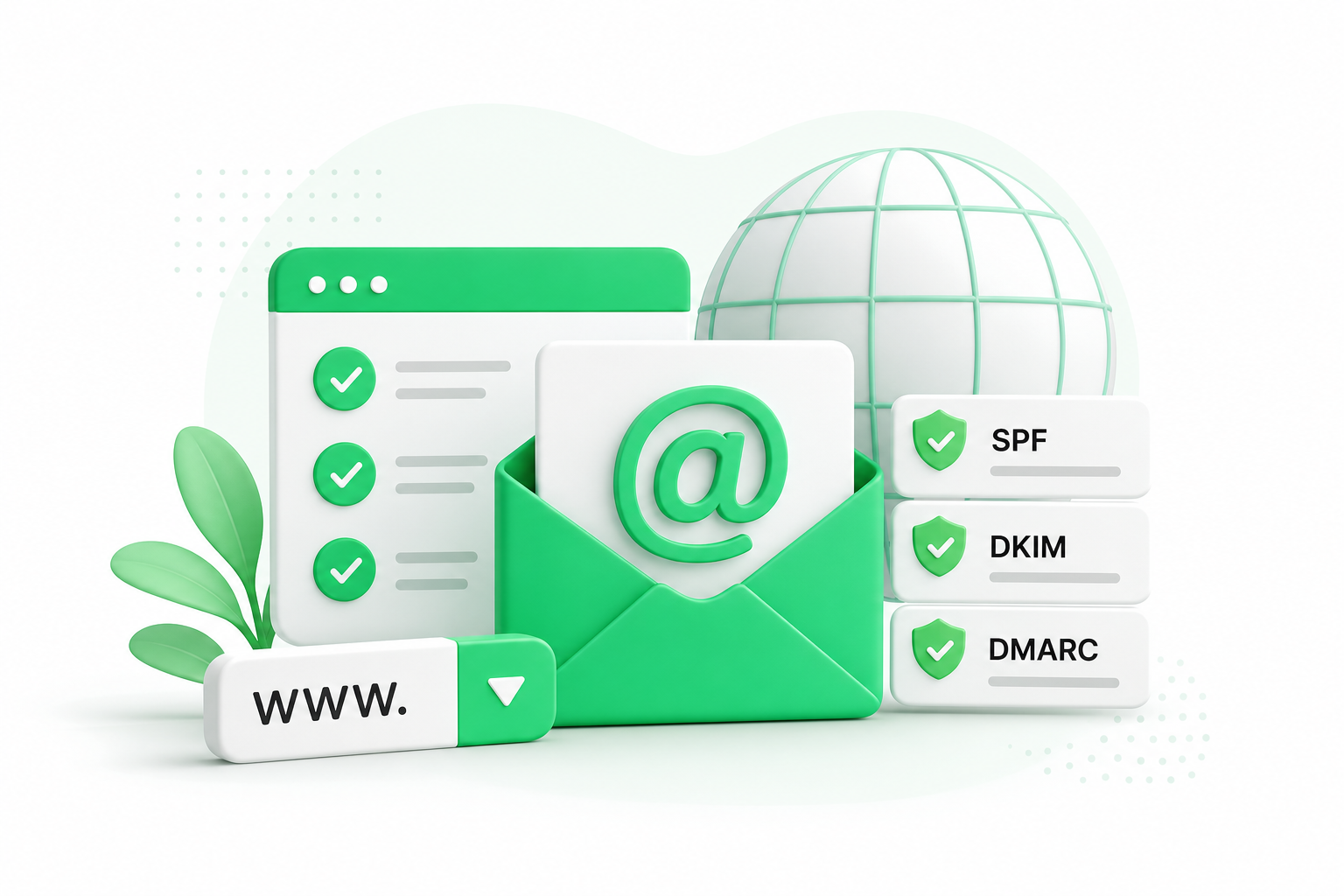
No matter which provider you choose, three DNS records determine whether your email reaches inboxes or lands in spam. According to Prospeo's 2026 report, the average global inbox placement is only about 84%, meaning about one in six emails never arrives. Correct DNS records are your main defense against that failure rate.
Here is what each record does and what you need to add:
- SPF (Sender Policy Framework): A TXT record that lists which mail servers are allowed to send on behalf of your domain. Without it, receiving servers have no way to verify your messages are legitimate. Example:
v=spf1 include:zoho-mail.com ~allfor Zoho. - DKIM (DomainKeys Identified Mail): A cryptographic signature attached to outgoing mail. Your provider generates a public key; you add it as a TXT record in DNS. It proves the message was not altered in transit.
- DMARC (Domain-based Message Authentication, Reporting, and Conformance): A policy record that tells receiving servers what to do when SPF or DKIM checks fail. A basic starting record:
v=DMARC1; p=none; rua=mailto:reports@yourdomain.com.
A survey cited by Lark found that 94.5% of customers consider it important to recognize both the sender and brand name in an email. Skipping these records undermines exactly that recognition by letting your messages land in spam or get rejected outright.
For a detailed walkthrough of adding these records inside cPanel, the guide on E-mail Profissional no cPanel: Configuração Completa com SPF, DKIM e DMARC covers each step.
When a Hosting Plan Gives You More Than a Free Email Account
Free tools work well for solopreneurs or very small teams, but they require stitching together multiple services: a domain registrar, a separate email host, and manual DNS management. That complexity adds up.
A web hosting plan that bundles domain registration and email hosting under one account keeps all of that in one place. DNS management, file storage, and site configuration live in the same control panel, which cuts the back-and-forth between separate dashboards.
Napoleon is a web hosting provider that offers shared hosting, VPS, and dedicated server plans with 24/7 support and servers in Brazil and the USA. The Business hosting plan bundles domain registration, email hosting, and DNS management in one account.
Can I Use Gmail for My LLC or Small Business?
A free @gmail.com address works for personal use, but it creates a trust gap for business. Using a branded address, such as hello@yourcompany.com, signals that your business is established and that the sender is who they claim to be.
The data supports this. According to Lark's 2026 analysis, 94.5% of customers say it matters to recognize both the sender and the brand name in an email. A @gmail.com address breaks that recognition immediately.
Google Workspace gives you Gmail's interface with a custom domain, full IMAP/SMTP support, shared calendars, Drive, and Meet. It comes at a premium-tier price, and it suits teams that already rely on Google's ecosystem and want a single vendor for email and collaboration.
Prices and plan limits verified as of October 2026.
FAQs
Is there any truly free domain email with no paid domain required?
No. Every custom-domain email address requires a registered domain, and domain registration always carries a cost. Some providers like Neo Mail include a free subdomain (such as a.co.site address) with their plans, but that is not the same as owning your own branded domain. If you want you@yourcompany.com, you will need to purchase that domain from a registrar first.
What are the limitations of Zoho Mail’s free tier compared to paid plans?
Zoho Mail's free plan supports up to five users with 5 GB of storage each and includes webmail and a mobile app. The main limitation is that it does not support IMAP, POP, or ActiveSync, so you cannot connect it to desktop clients like Outlook, Apple Mail, or Thunderbird. Paid plans remove that restriction and offer higher storage and more user seats.
Does Cloudflare Email Routing let me send email, or only receive it?
By default, Cloudflare Email Routing is inbound only. It forwards messages sent to your custom domain address into a destination inbox. To send outbound mail from your custom domain, you need to configure Gmail's "Send mail as" feature using an SMTP connection and a Google App Password [S2]. Even then, per canarymail.io, Cloudflare does not add DKIM signatures on the free plan, which can affect deliverability.
How do I migrate from a Gmail address to a custom domain email?
Start by setting up your new custom domain mailbox, whether through Zoho Mail or another provider. Then update your email signature, notify your key contacts of the address change, and set up a forwarding rule from your old Gmail so you do not miss messages during the transition. Once traffic to the old address drops off, you can stop the forward.
What happens to my email if I stop paying for my domain?
When a domain expires, the MX records tied to it stop resolving. Incoming mail to any address on that domain will bounce or be lost. If you are using Zoho Mail, Cloudflare, or any other provider, the email service itself may remain active, but no messages will reach it because the domain no longer points anywhere. Renewing the domain restores routing, but any mail sent during the lapse is gone.
Conclusion
A business email address on your own domain is achievable at low or no cost. Zoho Mail's permanent free plan is the most complete option for up to five users who are comfortable with webmail. Cloudflare Email Routing works as a forwarding layer for simpler needs, but it requires extra SMTP configuration to send mail and carries deliverability trade-offs. Either way, the domain itself is a cost you cannot avoid.
Start by registering your domain, then pick the path that fits your situation: Zoho Mail if you need a real mailbox at no cost, or Cloudflare forwarding if you just need inbound mail routed to an existing inbox. Whichever you choose, add SPF, DKIM, and DMARC records before you send your first message.