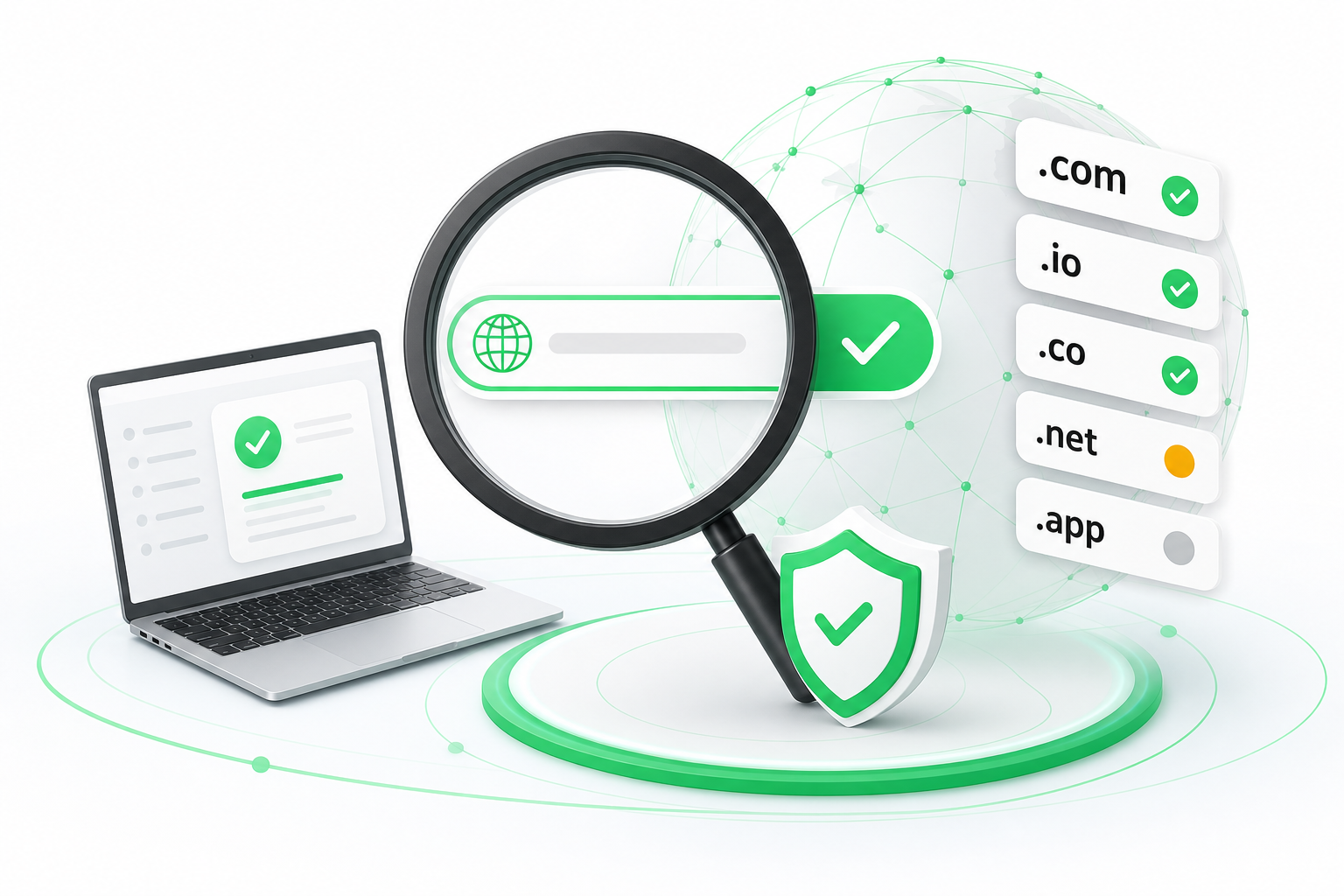
To check domain availability, enter your chosen name into a real-time domain checker, review the results for your preferred extension, explore AI-generated alternatives if it is taken, verify ownership details via WHOIS or RDAP, and complete registration through a trusted registrar. What most guides skip are the hidden pitfalls: stale data that shows a taken domain as free, front-running risks when you search on registrar sites, and a protocol shift from WHOIS to RDAP that can give you different results depending on where you look. This guide walks you through each stage so you avoid those traps.
How to Check Domain Availability: A Step-by-Step Process
Enter your brand name or keyword into the domain search tool. Type the exact name you want, without a TLD (top-level domain, the part after the dot) at first. Most checkers will automatically test several extensions at once. Use a tool that queries the registry directly rather than a cached database, because cached results can be hours or even days out of date.
Review the availability of your primary choice and explore suggested alternatives. If your first choice is taken, the tool will usually surface variations: different spellings, added words, or different extensions. Look at these carefully. A name like "brightleaf.io" might be available even when "brightleaf.com" is not. Note the ones you like before moving on, because availability can change quickly.
Select the domain extension that best fits your business goals or brand identity. Not all extensions carry equal weight. A.com still signals credibility to most audiences, but.io,.ai, and country-code TLDs serve specific niches well. Think about your audience and what the extension communicates before committing.
Complete the checkout process to purchase and register your domain. Once you have confirmed availability, move to registration without delay. The gap between "I found it" and "I own it" is the window where someone else, or an automated system, could take it. Add privacy protection (WHOIS privacy) at checkout to keep your personal contact details out of public records.
Two habits are worth building from the start. Do not search all your candidate names on the same registrar in one session; spread searches across a couple of tools to reduce the chance of any single platform logging your shortlist. Once you register, set your domain to auto-renew, because letting a registration lapse can mean losing a name you have built a brand around.
Why Does a Domain Look Available on One Site but Taken on Another?
Two different tools can show opposite results for the same domain, and the reason usually comes down to where each tool gets its data.
Some checkers query the authoritative registry directly, in real time. Others pull from a local cache, a snapshot of registry data that might be hours or days old. If a domain was registered this morning, a cached tool may still show it as available. That gap is where confusion, and occasionally wasted money, comes from.
There is also a protocol difference at play. ICANN (the Internet Corporation for Assigned Names and Numbers) has been rolling out RDAP, the Registration Data Access Protocol, as the modern replacement for the older WHOIS system. RDAP returns structured, machine-readable data and supports better access controls, but not every registry has fully migrated. Some tools still default to WHOIS queries; others use RDAP where it is available and fall back to WHOIS elsewhere. That inconsistency means the data you see, including ownership details and expiry dates, can differ between tools even when both are querying live sources.
For a decision as important as picking a business name, always use a tool that checks the registry directly, not just DNS. DNS checks are fast but only tell you whether a domain resolves, not whether it is registered and available for purchase.
If you see a domain listed as available, verify it on at least one other tool before you get attached to the name. If a domain shows as taken but you suspect the data is stale, check the registration expiry date through a WHOIS or RDAP lookup. Expired domains sometimes linger in cached results as "taken" for a day or two after they drop.
Is It Safe to Search for Domain Names on Registrar Websites?
Searching on a registrar site is generally safe, but there is a documented risk worth understanding before you type your best idea into a search box.
The concern is called front-running. It works like this: a registrar's system logs your search query, and then, in some cases, an automated process registers that domain, or holds it in a way that makes it unavailable to you unless you pay a premium. You come back an hour later, ready to buy, and the name is suddenly taken or offered back to you at a higher price. Front-running is not proven to be a universal or widespread practice at any specific registrar, but it has been reported and discussed in the domain industry for years, and it is a real enough risk to take seriously.
According to Star Network Big Data, 73.21% of all active domains globally have privacy protection enabled. That figure suggests most domain owners already understand that personal data exposure is a concern worth paying to prevent. The same instinct applies before you even register: treat your name ideas as sensitive information.
To reduce your exposure, consider these steps. Search for your shortlisted names using a neutral, non-registrar tool first, such as a bulk checker or an RDAP query tool, before you enter them on any registrar's site. Use a VPN or private browsing mode when exploring name ideas. And if you find a name you want, register it the same day rather than leaving it in a "saved" or "cart" state on a registrar platform.
None of this means you should avoid registrar search tools entirely. They are often the most accurate and fastest option for confirming availability. Just be deliberate: search, decide, and register in one focused session rather than browsing casually over several days.
Choosing the Right Domain Extension:.com,.ai,.io, and Beyond
The extension you pick shapes how people perceive your brand before they even visit your site. With over 411.6 million domain registrations globally as of Q3 2026, and year-over-year growth of 8.7%, the namespace is crowded, and your TLD choice matters more than ever.
.com remains the default for most businesses. It carries decades of familiarity, and audiences worldwide still associate it with credibility. If your.com is available, take it. If it is not, resist the urge to register a confusing variation like a hyphenated version or a misspelling just to get the.com extension.
Niche extensions have earned real traction in specific industries. .io became the go-to for software startups and developer tools, partly because "io" reads as input/output in computing contexts. .ai has grown sharply alongside the artificial intelligence industry. These extensions signal what your product does before a visitor reads a single word of your copy.
Country-code TLDs (ccTLDs) like.us,.co, or.br serve local audiences and can help with regional search visibility. They also tend to have shorter, cleaner names available compared to.com. The tradeoff is that audiences outside your target region may perceive them as geographically limited.
A few practical rules to apply when choosing:
- If your audience is global and general, prioritize.com.
- If you are building a tech product,.io or.ai may fit naturally and signal your category.
- If you serve a specific country, a ccTLD can reinforce local trust.
- Avoid extensions that are unfamiliar to your audience, even if the name is perfect. A great name on a confusing extension creates friction.
According to data from Chinaz, GoDaddy alone accounts for roughly 20.79% of the global active domain market, which gives you a rough sense of how concentrated registrar activity is around mainstream extensions. That concentration reflects where most demand sits: familiar TLDs, familiar registrars.
Whatever extension you choose, check that the matching social media handles and, if relevant, the npm or GitHub namespace are also available before you commit.
Free Bulk Domain Check Availability: How to Search Thousands at Once
Bulk domain searching is useful in two situations: you are managing a domain portfolio and need to audit renewals at scale, or you are brainstorming brand names and want to test dozens of variations in one pass. Either way, doing it one name at a time is slow and unnecessary.
Instant Domain Search is one tool built specifically for this. It offers a bulk checker that can process 5,000 domains at once with response times under 25ms, and covers more than 800 top-level domains using direct registry data, not cached results. That figure of 800+ TLDs means you can audit an unusually wide slice of the namespace in a single pass. For developers or agencies working through large name lists, that speed and coverage make a meaningful difference, and the direct registry queries reduce the stale-data problem described earlier.
For developers who want to build availability checking into their own applications, a domain checker API (application programming interface) is the right approach. A free-tier API lets you send domain names programmatically and receive structured availability data in return. Instant Domain Search offers this kind of access, and several other providers offer free tiers with rate limits that cover light usage. When evaluating any API, check whether it queries the registry directly or pulls from a cache, what rate limits apply on the free tier, and whether it supports RDAP responses alongside WHOIS.
Bulk tools are also useful as an instant domain search generator when you feed them a list of keyword combinations. You might start with a root word, generate 50 variations with different prefixes, suffixes, and extensions, run them all through a bulk checker at once, and get back a filtered list of what is actually available. That workflow compresses hours of manual searching into a few minutes.
One caution: bulk searches on registrar platforms can expose your full shortlist to the front-running risk covered in the previous section. Use a neutral bulk checker or API tool for your initial sweep, then move to a registrar only when you are ready to register.
AI-Powered Domain Finders: Generate and Verify Names Instantly
AI domain finder tools solve a specific problem: you have a concept but no name. Instead of manually brainstorming variations and checking each one, these tools take a keyword or a short description of your business and generate name ideas, then cross-check live availability in the same step.
The generation side typically uses a language model to produce names that are short, memorable, and thematically related to your input. You might type "sustainable packaging startup" and receive fifty name ideas across multiple extensions, each marked as available or taken in real time. The better tools also surface phonetic variations, portmanteau words, and names in other languages that translate well into English-speaking markets.
The availability check in these tools matters as much as the generation quality. A tool that generates great names but checks availability against a cached database will waste your time. Look for tools that query the registry directly, the same standard you would apply to any other checker.
AI-generated names tend to favor short, vowel-heavy, brandable strings, which is exactly what everyone else is searching for. If the first batch of suggestions all show as taken, narrow your input or ask the tool to generate longer, more descriptive names. A two-word name with a clear.io or.ai extension often has better availability than a single invented word on.com. These tools work best early in the naming process, before you are attached to any particular name; run a few sessions with different inputs, collect the available names you like, then apply the extension and WHOIS criteria from earlier sections to narrow your list.
How to Check Domain Owner Details with WHOIS and RDAP
When a domain is already taken, WHOIS and RDAP lookups tell you who registered it, when it expires, and whether it might become available.
Go to a public WHOIS or RDAP lookup tool. ICANN maintains a free RDAP-based lookup at lookup.icann.org. Many registrars also offer their own WHOIS search pages. Either works for a basic ownership query.
Enter the full domain name, including the extension. Search for "brightleaf.io", not just "brightleaf". The registry data is extension-specific, and a.com record is entirely separate from a.io record.
Read the registrant details. You will see the registrar name, registration date, expiry date, and, if privacy protection is not active, the owner's contact information. According to Star Network Big Data, 73.21% of all active domains globally have privacy protection enabled, so most records will show a privacy proxy address rather than a real name.
Check the expiry date. If a domain expires soon and shows no recent activity, it may drop back into the available pool. You can monitor it using a domain backorder service.
Keep in mind that RDAP is the modern standard but adoption across all registries is still in progress. If an RDAP query returns no data, try a WHOIS lookup as a fallback.
Registering Your Domain: What to Do After You Find an Available Name
Once you confirm a domain is available, register it the same day. Availability is not guaranteed to last, and waiting even a few hours introduces risk.
Napoleon is a web infrastructure provider that offers domain registration alongside shared hosting, VPS, and bare metal dedicated servers, with infrastructure in Brazil and the USA. If you are ready to pair your new domain with hosting, you can review the available web hosting and domain plans and choose the setup that fits your project. Add WHOIS privacy protection at checkout, enable auto-renew, and confirm your contact email is accurate so you receive renewal notices before the domain lapses.
Prices and plan limits verified as of November 2026.
FAQs
How can I check thousands of domains at once without paying for a tool?
Instant Domain Search offers a free bulk checker that can process up to 5,000 domains at once, with results returned in under 25ms and coverage across more than 800 top-level domains using direct registry data. For developers, a free-tier domain checker API lets you query availability programmatically with rate limits that cover light to moderate use. Both options give you real-time results without a paid subscription.
How do I check if a name is taken on social media, npm, or GitHub as well as the domain?
Domain checkers only cover domain registrations. For a full brand audit, you need to check each platform separately: search your chosen name on Twitter/X, Instagram, GitHub, and npm manually, or use a username availability tool that queries multiple platforms at once. Do this before you register the domain. Finding that your perfect domain name is already a popular GitHub repository or npm package can save you a painful rebrand later.
What is the difference between WHOIS and RDAP for domain lookups?
WHOIS is a plain-text query protocol built in the 1980s. It returns ownership data in an unstructured format and has limited access controls. RDAP (Registration Data Access Protocol) is its modern replacement, developed by ICANN. RDAP returns structured, machine-readable JSON data, supports better privacy controls, and handles internationalized domain names more reliably. Not all registries have fully migrated to RDAP yet, so some lookups still fall back to WHOIS depending on the extension you are querying.
Can a registrar steal my domain idea after I search for it?
No registrar is proven to do this universally, but front-running, where a registrar logs your search and registers or holds the domain before you can, is a documented concern in the domain industry. The risk is real enough to take precautions: use a neutral bulk checker or RDAP tool for your initial research, avoid saving names in a registrar's cart for days, and register the name in the same session you confirm it is available. Spreading searches across more than one tool also reduces exposure.
What does it mean when a domain shows as “reserved” rather than available or taken?
A "reserved" status means the registry itself is holding the domain and it is not open for public registration. Registries reserve names for several reasons: they may be premium names the registry sells at a higher price, names held back for brand protection, or strings blocked due to policy restrictions. You cannot register a reserved domain through a standard checkout. If the name is listed as a premium, you may be able to buy it at the registry's set price, but that price is typically much higher than a standard registration fee.
Conclusion
Checking domain availability is a fast process, but getting it right means using a tool that queries the registry directly, understanding why results differ between checkers, and moving from search to registration in one focused session rather than browsing casually over days. WHOIS and RDAP lookups add a second layer of confidence, especially when a name looks available but you want to verify it is not just a stale cache result.
Your next step is straightforward: pick your preferred name and two or three backups, run them through a bulk checker that uses live registry data, confirm the extension fits your audience, and register the one you want today. If you are also setting up hosting, check what infrastructure options are available at the same time so your domain and server are managed in one place from the start.