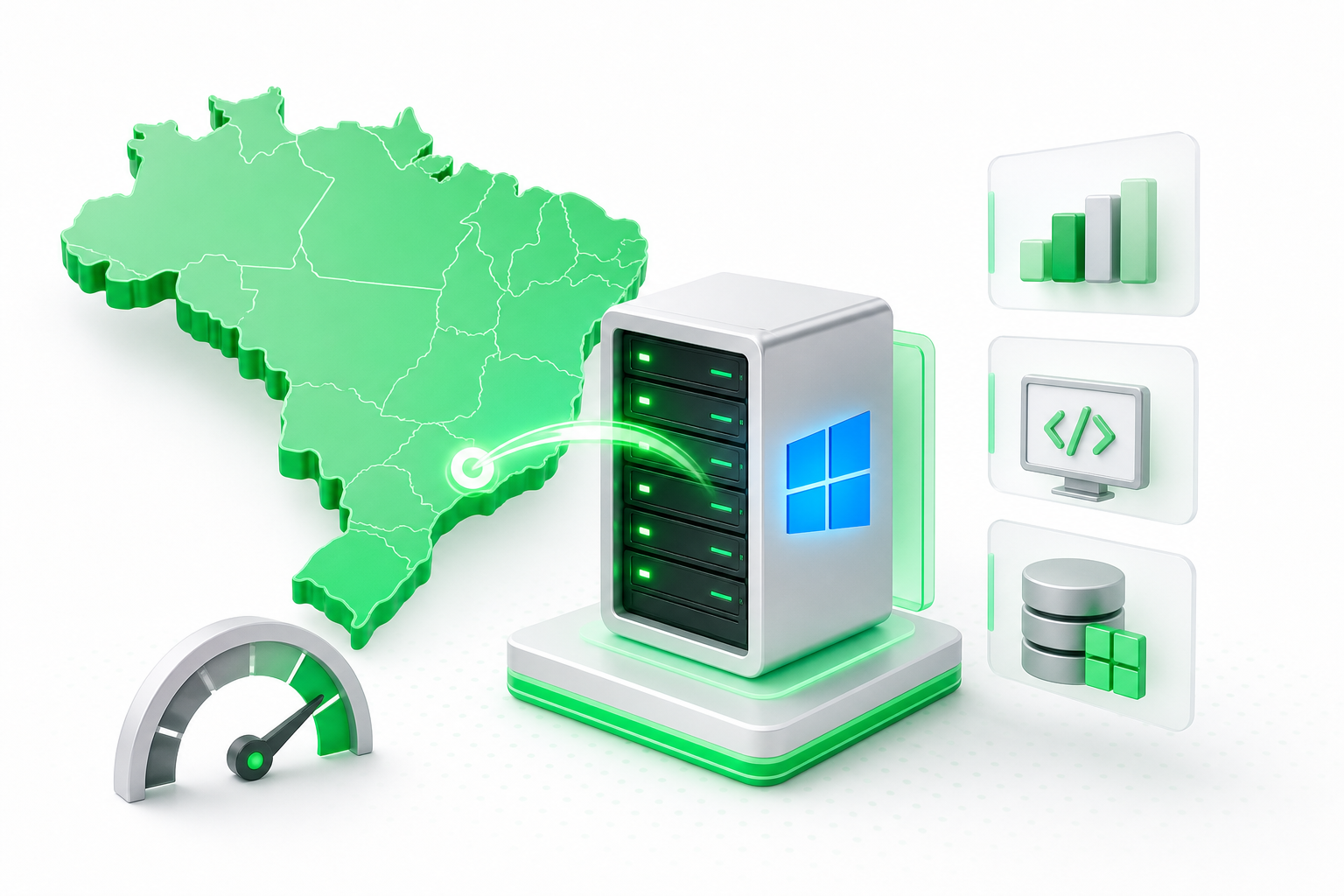
A VPS Windows Brasil makes sense when your workload requires Windows-only software, such as MetaTrader,.NET applications, or SQL Server, and your users are located in Brazil. Local hosting cuts latency by roughly 100 ms compared to US-based servers, and Windows Server needs a minimum of 4 GB of RAM to run with stable performance.
If any of those conditions is missing, a Linux VPS or an international host may serve you just as well for less.
VPS Windows Brasil: Which Workloads Actually Require It?
Some software simply does not run on Linux, and that is the clearest signal that you need a Windows VPS. If your stack includes any of the items below, a Linux alternative is not a drop-in replacement.
Use cases that require Windows Server:
- MetaTrader 4 and 5 running automated trading scripts (Expert Advisors) that must stay connected 24/7 without a local machine
- .NET Framework applications that depend on Windows-specific APIs or COM components not available on Linux via Mono
- Microsoft SQL Server deployments where the team already uses SQL Server Management Studio and migrating to PostgreSQL or MySQL is not practical
- Windows-only ERP and accounting software, common in Brazilian SMBs, that ships only as a Windows installer
- Remote desktop workstations where a team member needs a full Windows desktop environment accessible from anywhere
- Legacy ASP Classic or ASP.NET Web Forms apps that were never ported to.NET Core
If your application runs natively on Linux, a Linux VPS is almost always cheaper and simpler to maintain. The question to ask is: does this software have a Linux version that works in production? If the answer is no, you need Windows.
For a broader look at VPS types and how virtual servers work, the Napoleon guide to VPS infrastructure covers the fundamentals in detail.
How Does Hosting in Brazil Affect Latency for Your Users?
For users in Brazil, a locally hosted VPS delivers a meaningful speed advantage. According to HostDime's 2026 report, hosting in Brazil typically provides a 100 ms latency advantage for local users compared to hosting in the United States.
That gap matters most in real-time scenarios. A trading terminal reacting to market data, a remote desktop session where every keystroke must feel instant, or a web application serving hundreds of simultaneous Brazilian users will all feel noticeably slower when routed through a US data center. A 100 ms delay is imperceptible in a static website load, but it compounds quickly in interactive applications.
If your users are concentrated in São Paulo, Rio de Janeiro, or other major Brazilian cities, local hosting is the practical choice.
The article on why local latency matters for Brazilian infrastructure explains how data center location affects real-world performance for applications serving Brazilian users.
What Are the Minimum Hardware Requirements for a Windows VPS in Brazil?
Windows Server is more resource-hungry than a typical Linux distribution, so the hardware floor matters before you pick a plan. Hostalu recommends a minimum of 4 GB of RAM as a starting point for any Windows Server VPS to ensure stable performance.
That 4 GB figure covers the operating system itself plus light workloads. If you plan to run SQL Server, an ERP, or multiple simultaneous remote desktop sessions, budget 8 GB or more. Storage should be NVMe-backed where possible, since Windows Server's frequent small reads and writes benefit from low-latency disk I/O.
A quick note on Windows 10 vs. Windows Server: some searchers look for a "VPS Windows 10 Brasil" setup, but Windows 10 is a desktop operating system, not a server OS. VPS providers run Windows Server editions (2019, 2022) because they are licensed for multi-user remote access and long-running server workloads. Windows 10 does not support multiple simultaneous RDP sessions and is not designed for always-on server use. If you need a Windows desktop environment, Windows Server with the Desktop Experience feature enabled gives you a familiar interface on proper server hardware.
Why Is a Windows VPS More Expensive Than a Linux One?
The core reason is licensing. Linux distributions like Ubuntu, Debian, and AlmaLinux are open-source and free to use, so a provider passes no OS cost to you. Windows Server requires a paid license from Microsoft, and that cost is either included in the plan price or billed separately depending on the provider.
When a provider includes the Windows Server license in the plan, you pay a single monthly amount that covers both the hardware and the OS. When it is listed as an add-on, the base plan price looks lower but the real cost is higher once you add the license. Always check which model applies before comparing plans.
Beyond the license, Windows VPS plans often require more RAM and storage to run well, which pushes hardware costs up relative to a lean Linux setup. The premium is real, but for workloads that genuinely need Windows, there is no practical alternative.
How to Connect to Your Windows VPS via Remote Desktop
Remote Desktop Protocol (RDP) is the standard way to access a Windows VPS. It works from Windows, macOS, iOS, and Android, so you are not locked to one device.
- On Windows, open the built-in Remote Desktop Connection app (search "mstsc" in the Start menu). On macOS, install Microsoft Remote Desktop from the App Store. On iOS or Android, use the Microsoft Remote Desktop mobile app.
- Enter the IP address of your VPS into the "Computer" field. If your provider assigned a non-standard port, add it after the IP with a colon (for example, your IP followed by
:3390). - Provide the username and password your host gave you, then accept the certificate security prompt that appears on the first connection [S5].
- You will land on the Windows Server desktop and can work as if you were sitting in front of the machine.
The connection is encrypted by default, but the default configuration still has security gaps worth closing, which the next section covers.
How Do I Protect My Windows VPS from Brute Force Attacks on the RDP Port?
The default RDP port is one of the most scanned ports on the internet. Attackers run automated scripts that try thousands of username and password combinations every hour. A few targeted steps close the most common attack paths.
- Use a long, unique password and create a custom user account instead of the default "Administrator" login. Attackers target "Administrator" specifically because it exists on every Windows installation [S1].
- Change the default RDP port to a high, non-standard port number, or restrict server access to a specific VPN or IP address using the Windows Firewall or your provider's network firewall [S2].
- Enable Network Level Authentication (NLA), which requires the connecting user to authenticate before a full RDP session is established. Also set up an account lockout policy so that repeated failed login attempts temporarily block the account [S3].
Where to Host a Windows VPS in Brazil
Once you have confirmed that your workload needs Windows Server and your users are in Brazil, the practical requirements are NVMe storage, a data center inside Brazil, and 24/7 support. Napoleon is a Brazilian hosting provider that offers NVMe-backed VPS plans from a local data center with round-the-clock support.
Napoleon also supports multiple control panel options, including cPanel, DirectAdmin, and Plesk, so you can manage the server with whichever interface your team already knows.
If you are still evaluating whether a VPS is the right fit for your project overall, the article on what to assess before hiring a VPS covers the key questions before you commit to a plan.
Prices and plan limits verified as of October 2026.
FAQs
Is it worth paying in BRL to avoid IOF and currency fluctuations?
Paying in Brazilian reais removes exposure to exchange rate swings, which can make monthly costs unpredictable when billed in USD. It also avoids the IOF tax applied to international card transactions. For long-term or budget-sensitive projects, a BRL-denominated plan offers more predictable cash flow. Whether that outweighs other factors depends on your specific financial situation and how much the exchange rate has moved recently.
Can I run SQL Server on a VPS with only 4 GB of RAM?
Technically yes, but with tight limits. SQL Server Express runs on 4 GB, but it caps database size and memory use. SQL Server Standard or Developer editions will consume most of that 4 GB just for the engine, leaving little room for your application and the OS. For any production SQL Server workload, 8 GB is a more realistic floor, and 16 GB is comfortable for moderate query loads.
What is the difference between Windows Server and Windows 10 on a VPS?
Windows 10 is a desktop operating system built for single-user, personal computing. Windows Server is designed for multi-user access, always-on workloads, and remote administration. VPS providers use Windows Server because it supports multiple simultaneous RDP sessions and carries the correct licensing for server use. Windows 10 does not allow more than one concurrent RDP session and is not licensed for server deployment.
Do Brazilian VPS providers include the Windows Server license in the plan price?
It depends on the provider. Some bundle the Windows Server license into the plan so you pay one combined price. Others list it as a separate add-on. Before signing up, confirm whether the price you see already includes the OS license or whether that is an extra monthly charge on top of the base plan.
How does an AMD EPYC processor compare to Intel Xeon for Windows workloads on a Brazilian VPS?
Both AMD EPYC and Intel Xeon are enterprise-grade CPUs well suited to virtualized Windows Server workloads. EPYC generally offers more cores per socket and strong memory bandwidth, which benefits multi-threaded applications. Xeon platforms are widely tested with Windows Server and have broad driver and software compatibility. For most Windows VPS use cases, the difference in real-world performance is small. The quality of the storage, network, and virtualization layer typically has more impact than the CPU brand.
Conclusion
A Windows VPS in Brazil is worth the premium when your software requires Windows Server, your users are in Brazil, and you are prepared to secure the RDP port. Those three conditions together justify the cost. If any one of them is missing, a Linux VPS or an international host may serve you better.
Start by confirming whether your application has a working Linux version. If it does not, check that your chosen plan meets the 4 GB RAM minimum and that the Windows Server license is included. Then lock down RDP before you put anything in production.
Equipe Napoleon